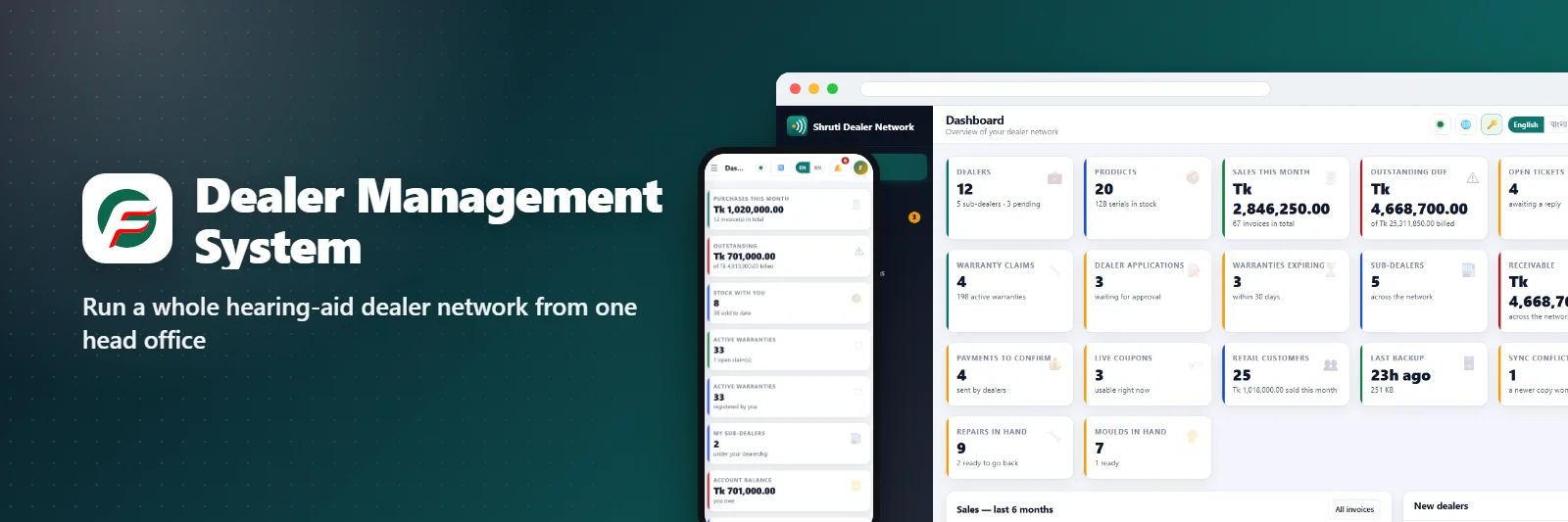
Dealer Management System
Run a whole dealer network — dealers, sub-dealers, their customers, stock, invoices and warranties — from one head office.
Reviews & comments Rate it, ask a question or share an idea - we reply on this page.What Dealer Management System does
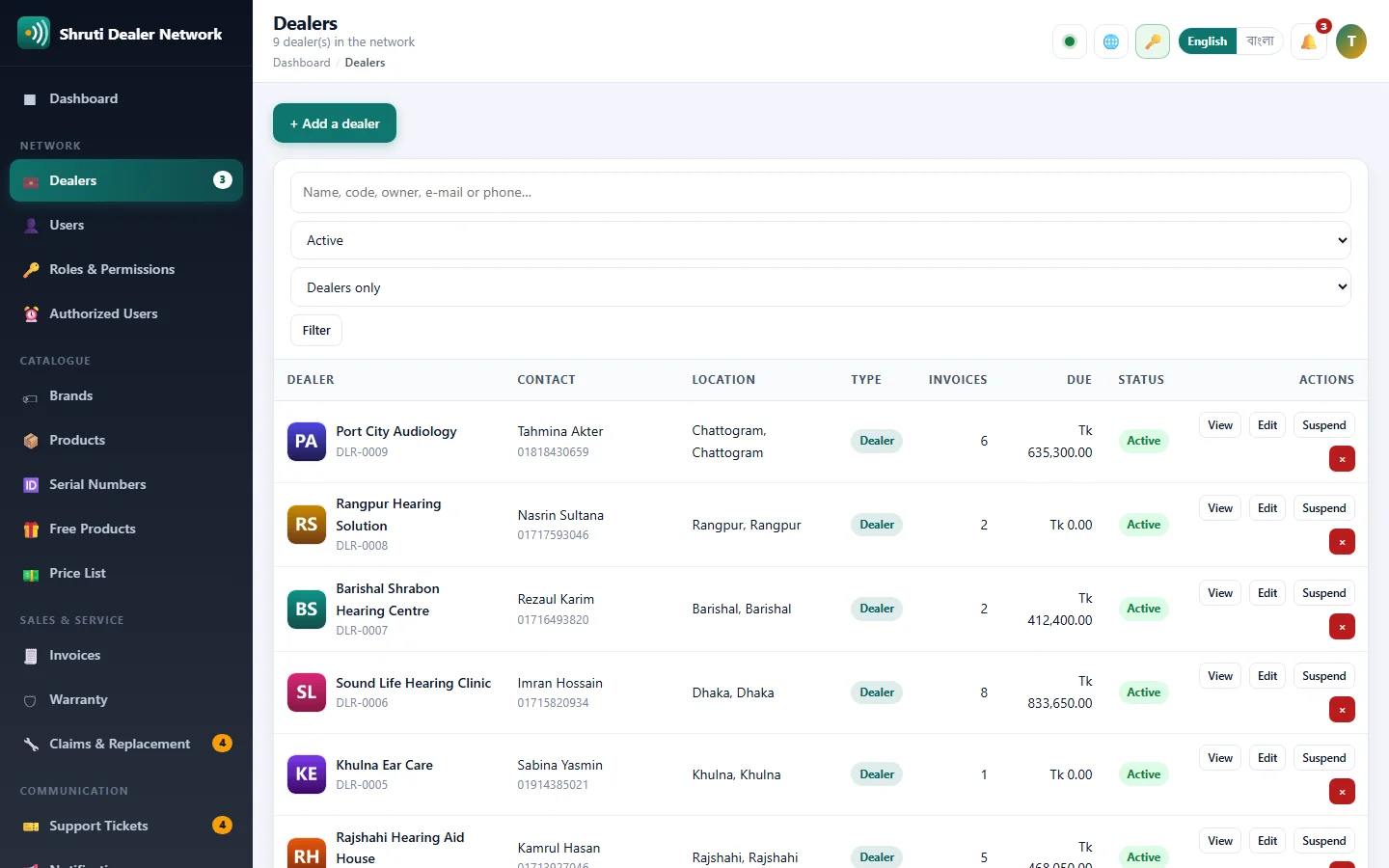
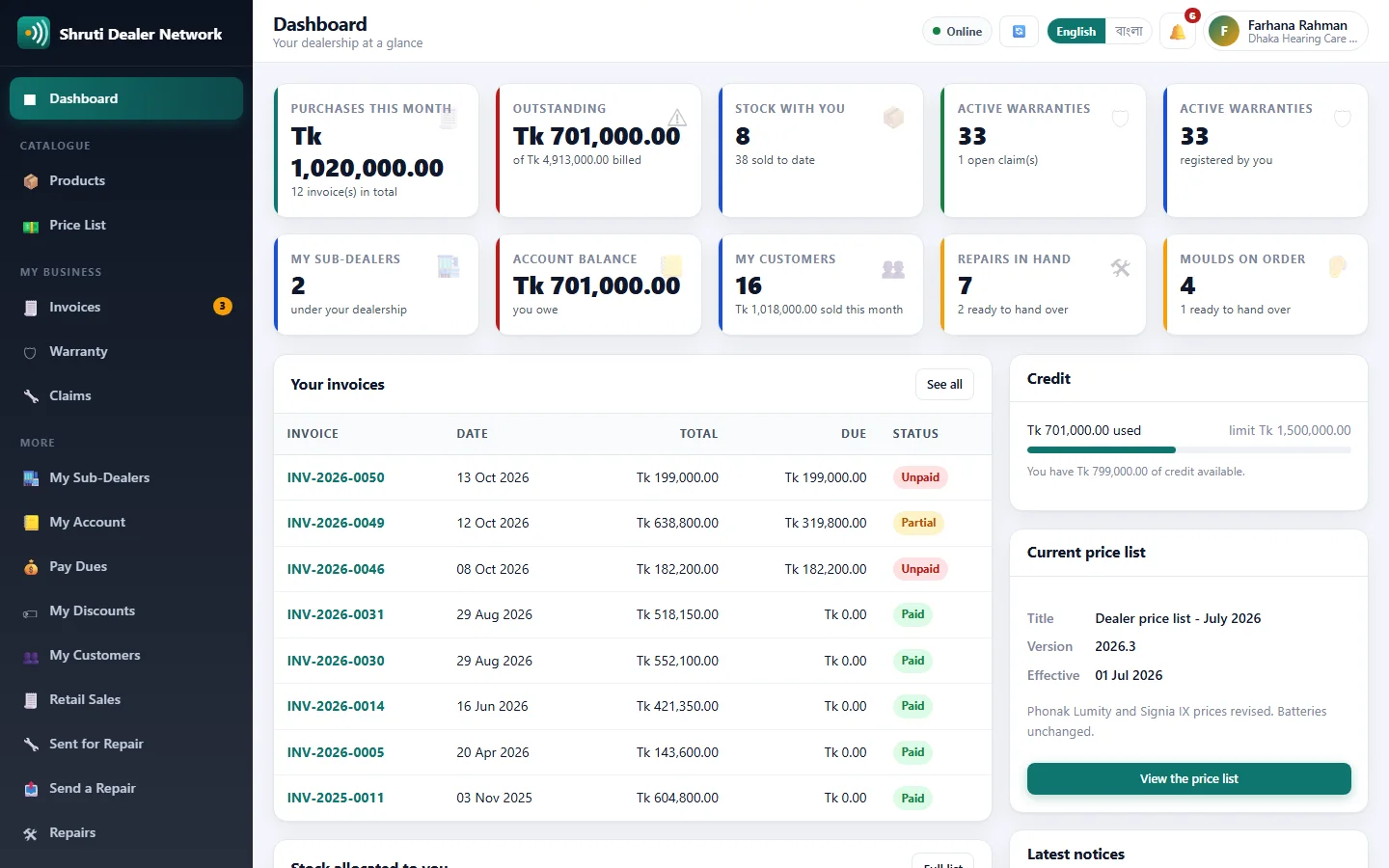
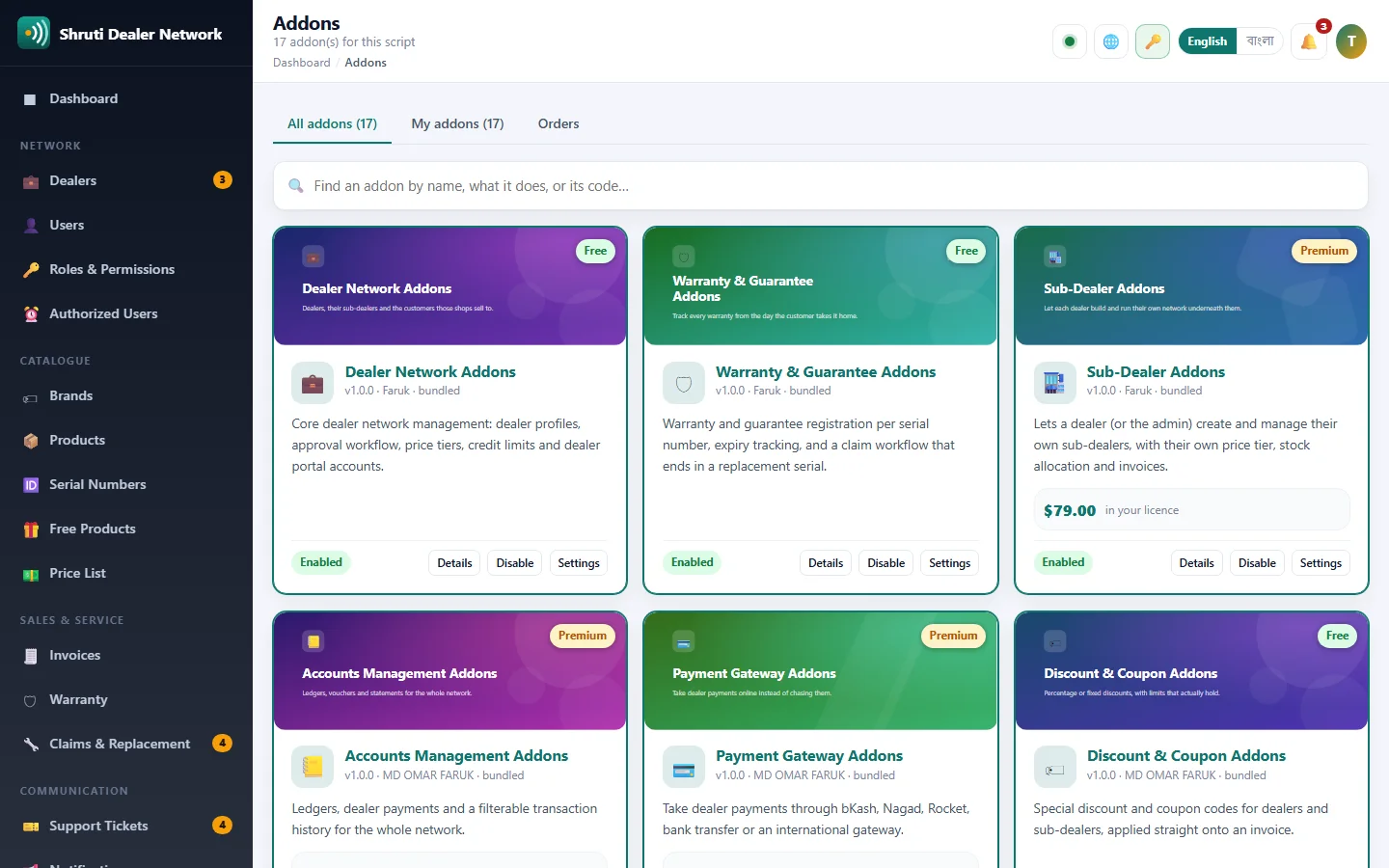
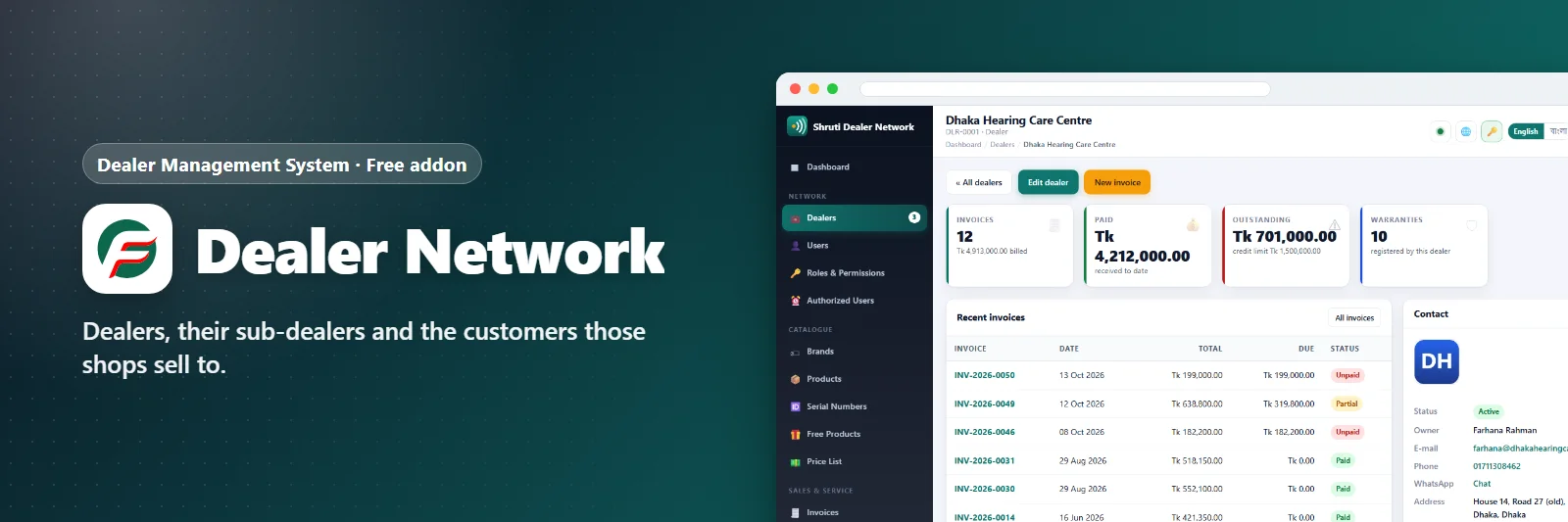
Head office sees every dealer in the network, and each dealer sees only their own shop.
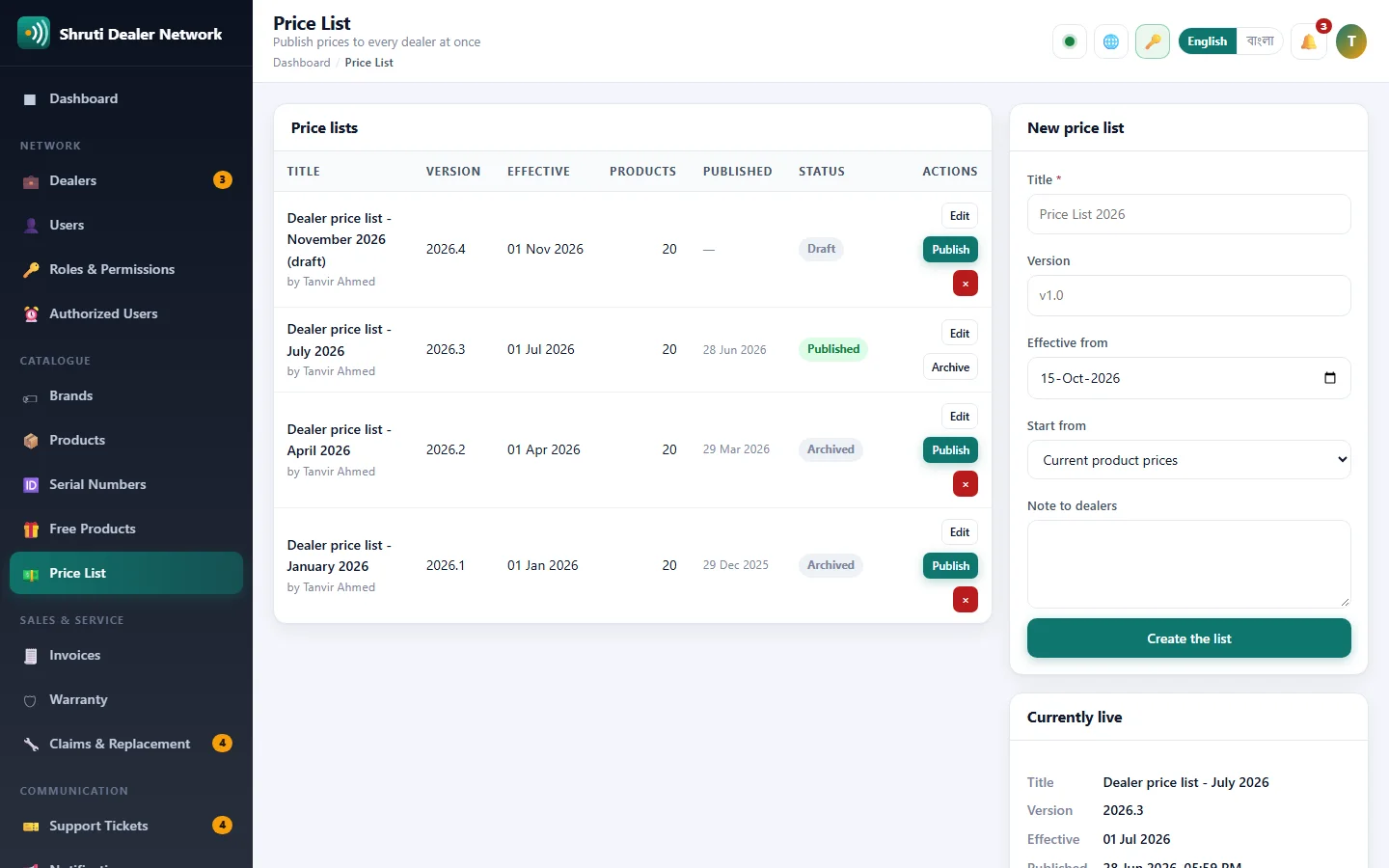
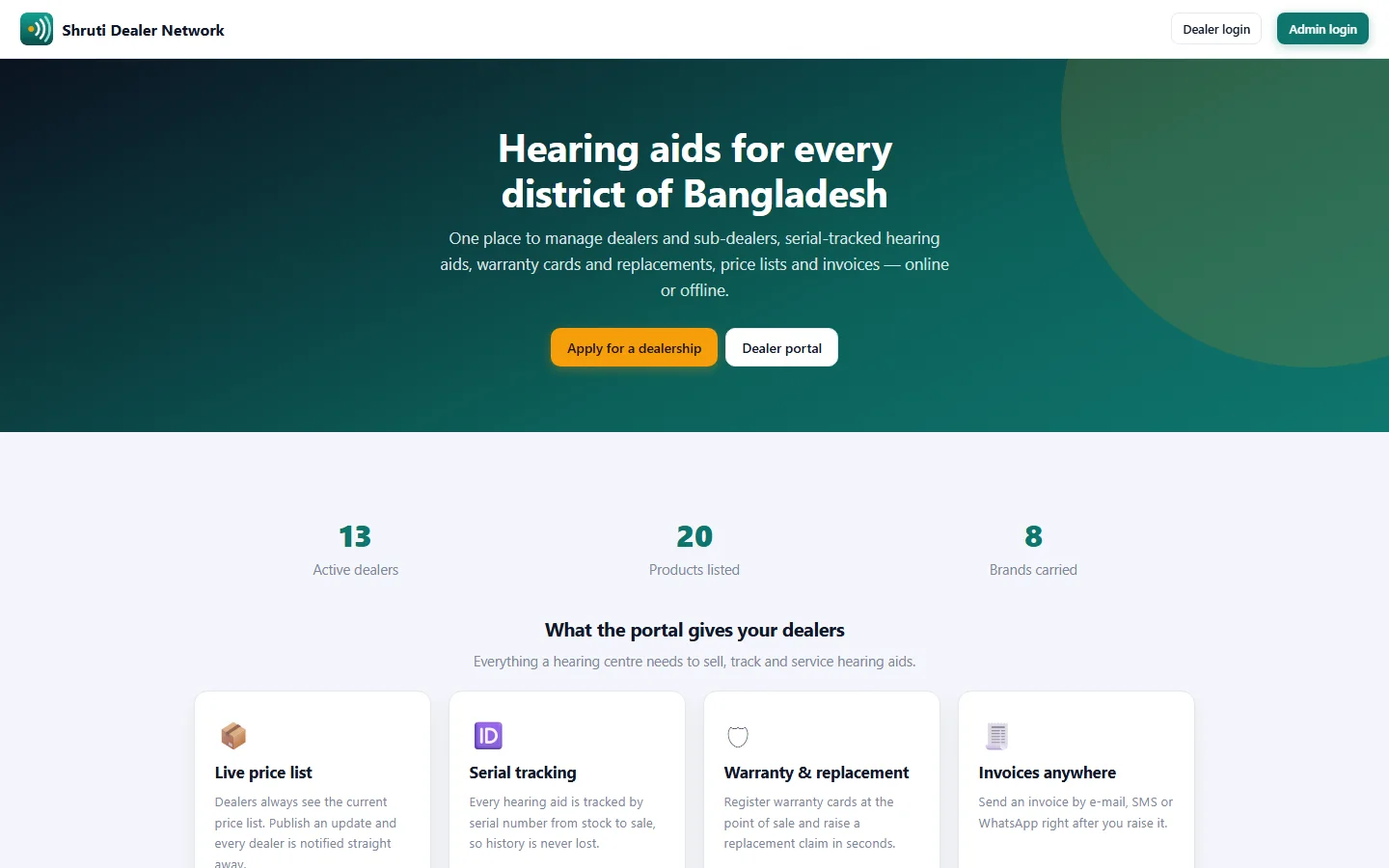
Dealers apply from the public site and wait for approval, so nobody reaches the portal before you say so. Each one sits on a price tier that drives their catalogue, price list and invoices, with a credit limit tracked against what they still owe.
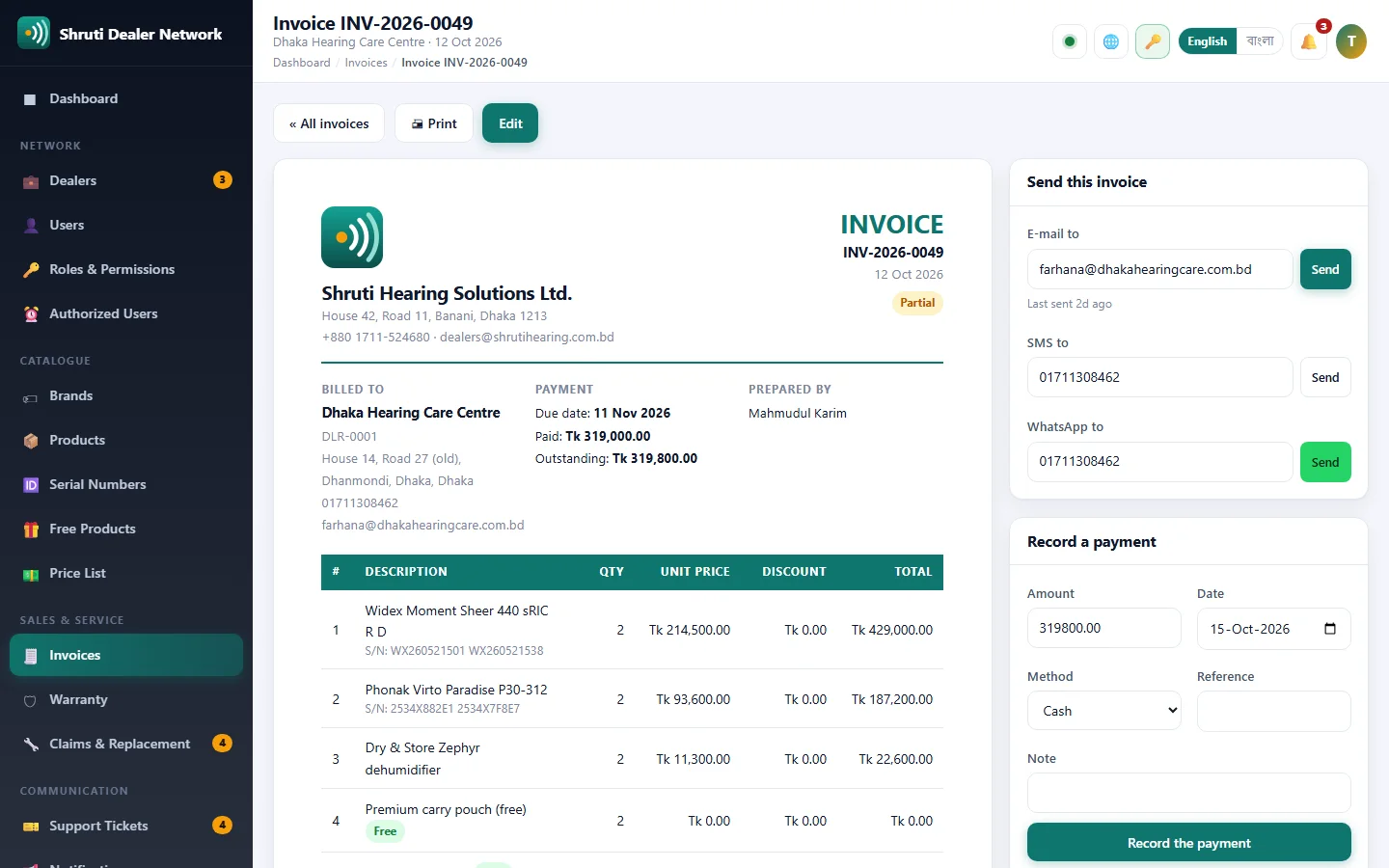
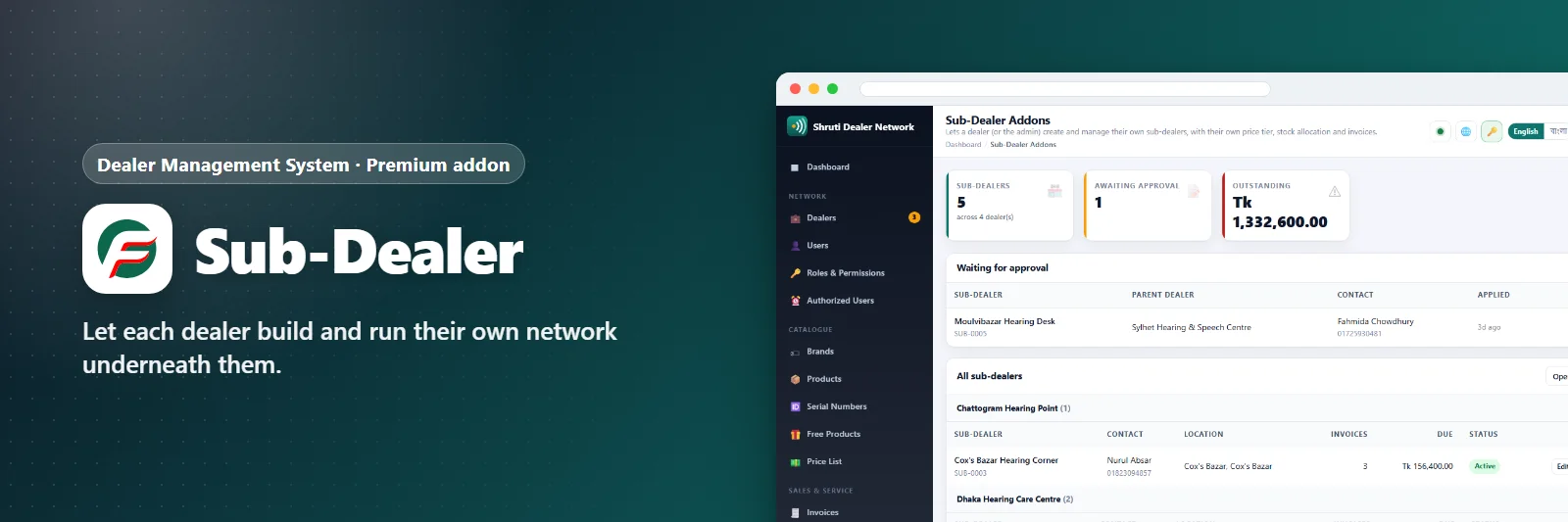
A dealer can build their own network underneath them — sub-dealers with their own tier and their own logins — and sell on to retail customers, raising invoices from the stock they already hold, with warranty starting on the day of the retail sale.
Works online, and keeps working offline: the sync addon reconciles a shop that lost its connection once it comes back.
Highlights
- Dealer profiles with logo and trade licence
- Approval workflow for new dealer applications
- Price tiers: dealer, sub-dealer, MRP
- Credit limits tracked against unpaid invoices
- Dealer portal logins and per-dealer statements
- Sub-dealer networks under each dealer
- Retail invoicing from the dealer's own stock
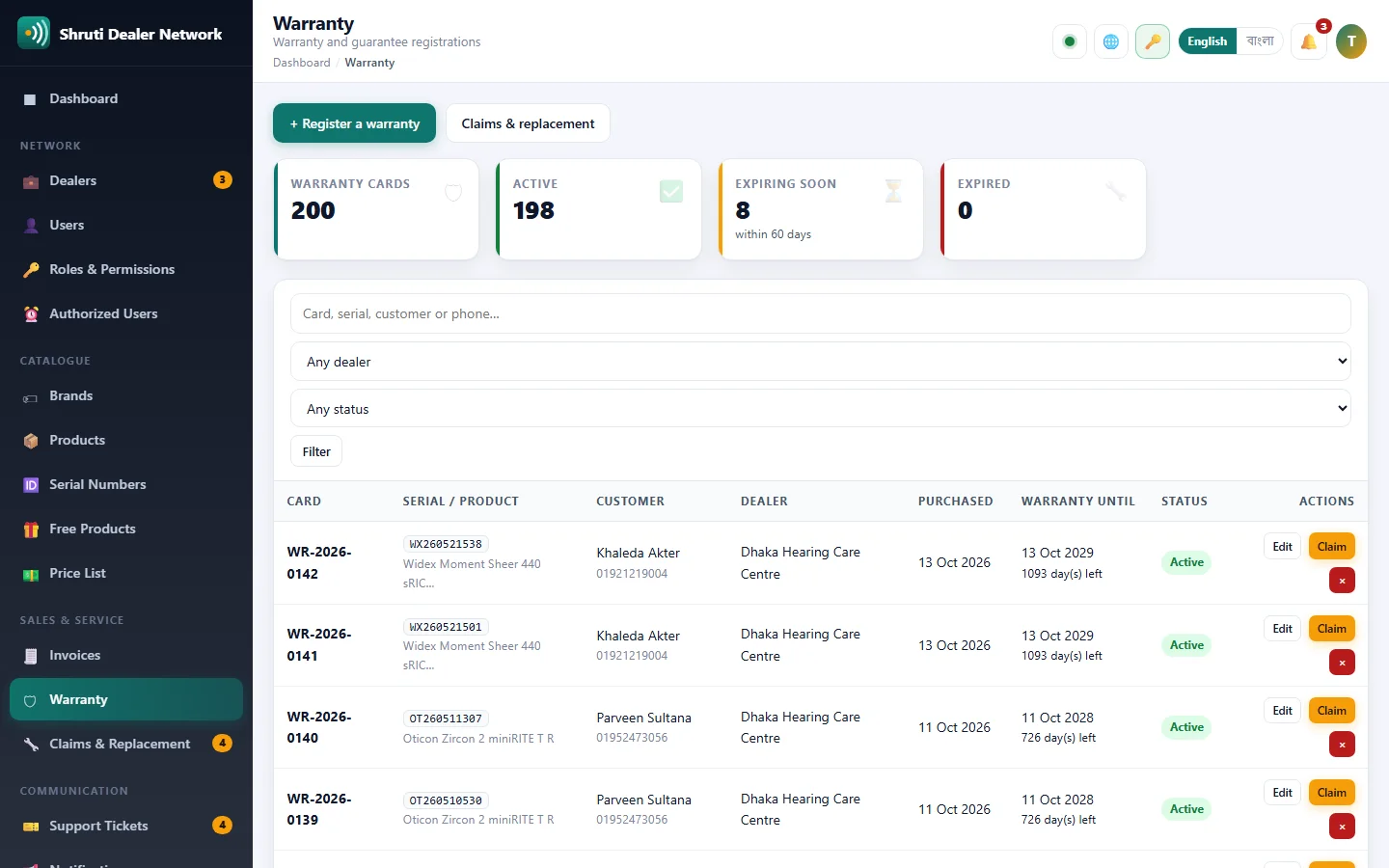
- Warranty from the retail sale date
- Offline working with sync on reconnect
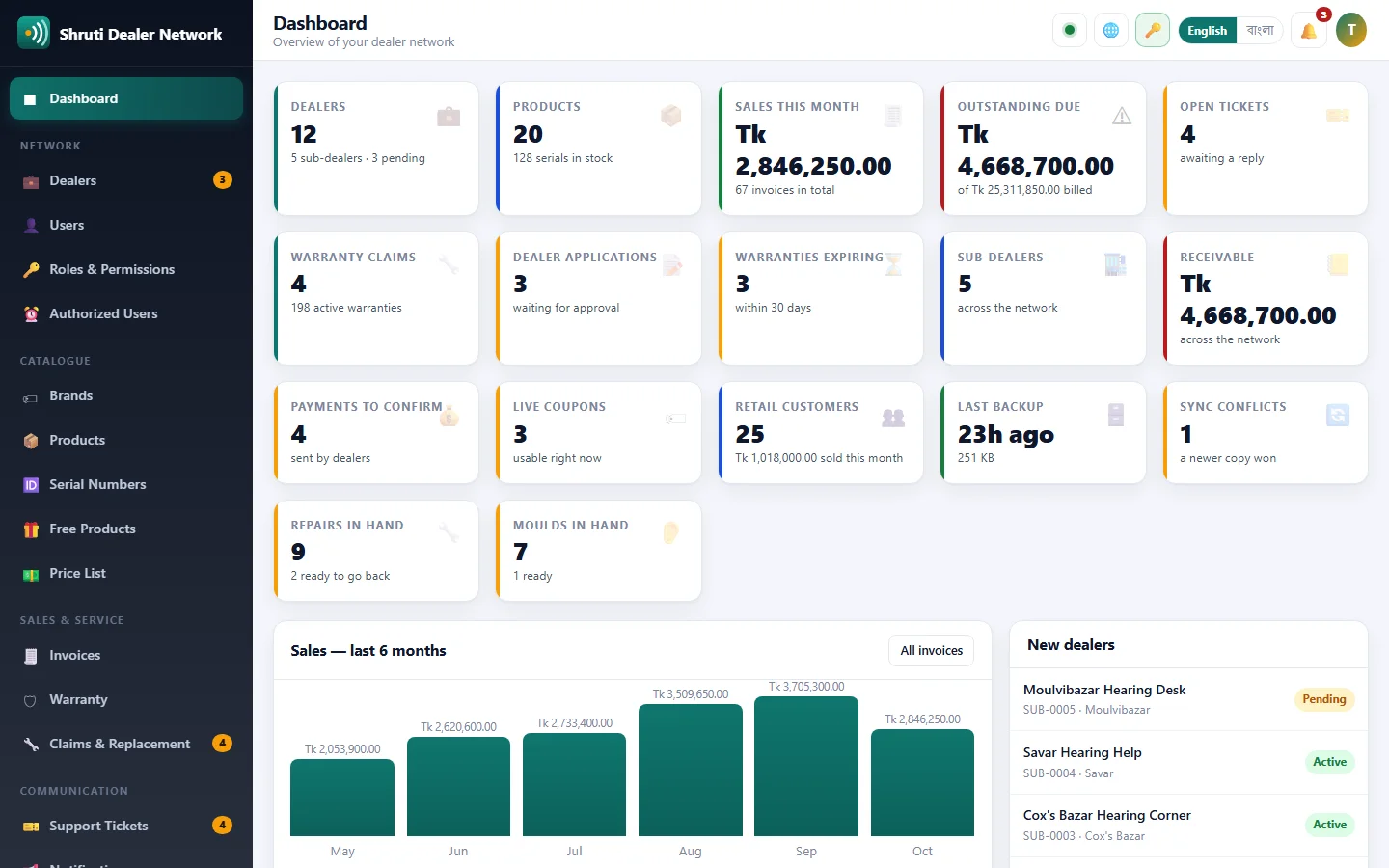
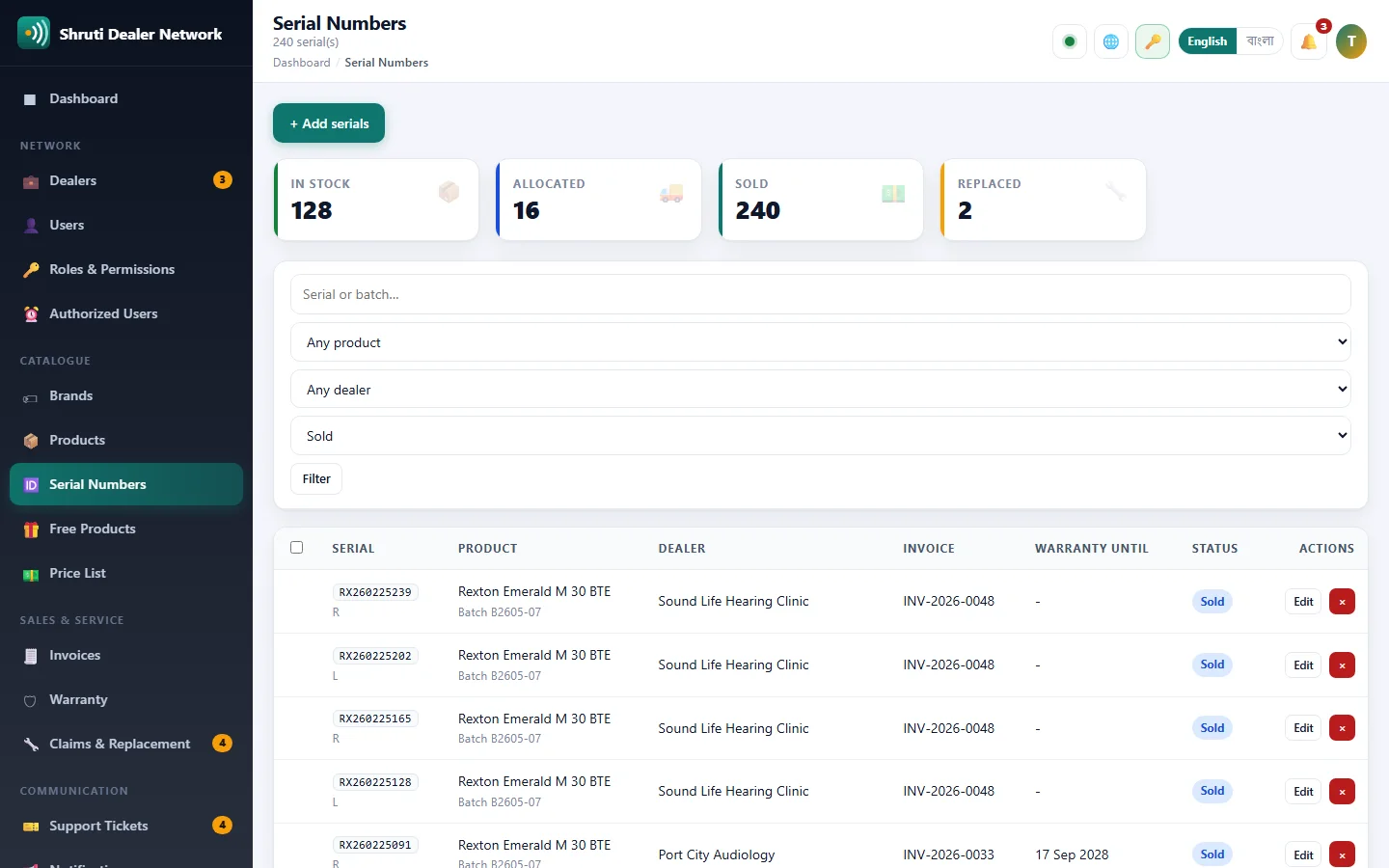
See it before you buy
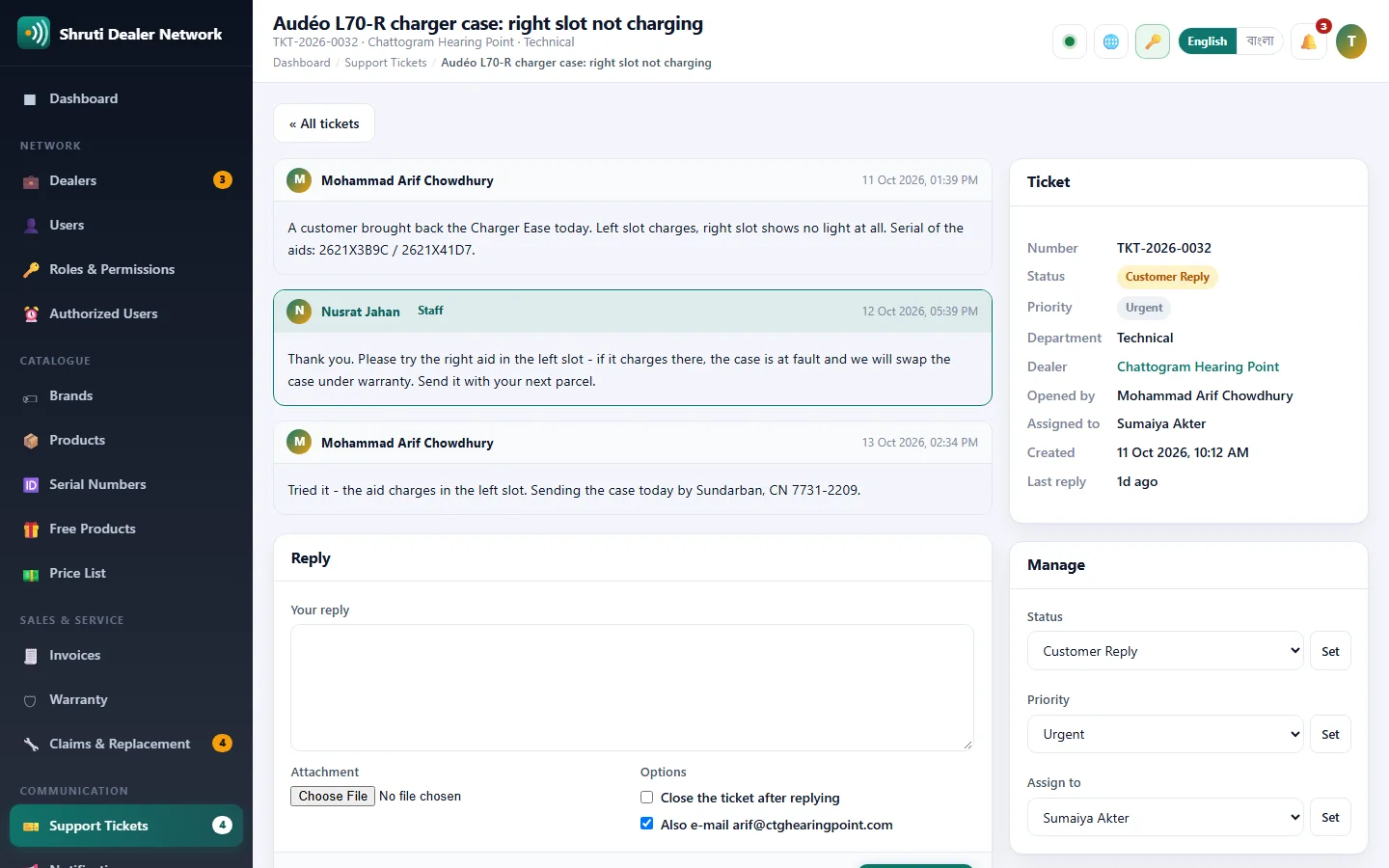
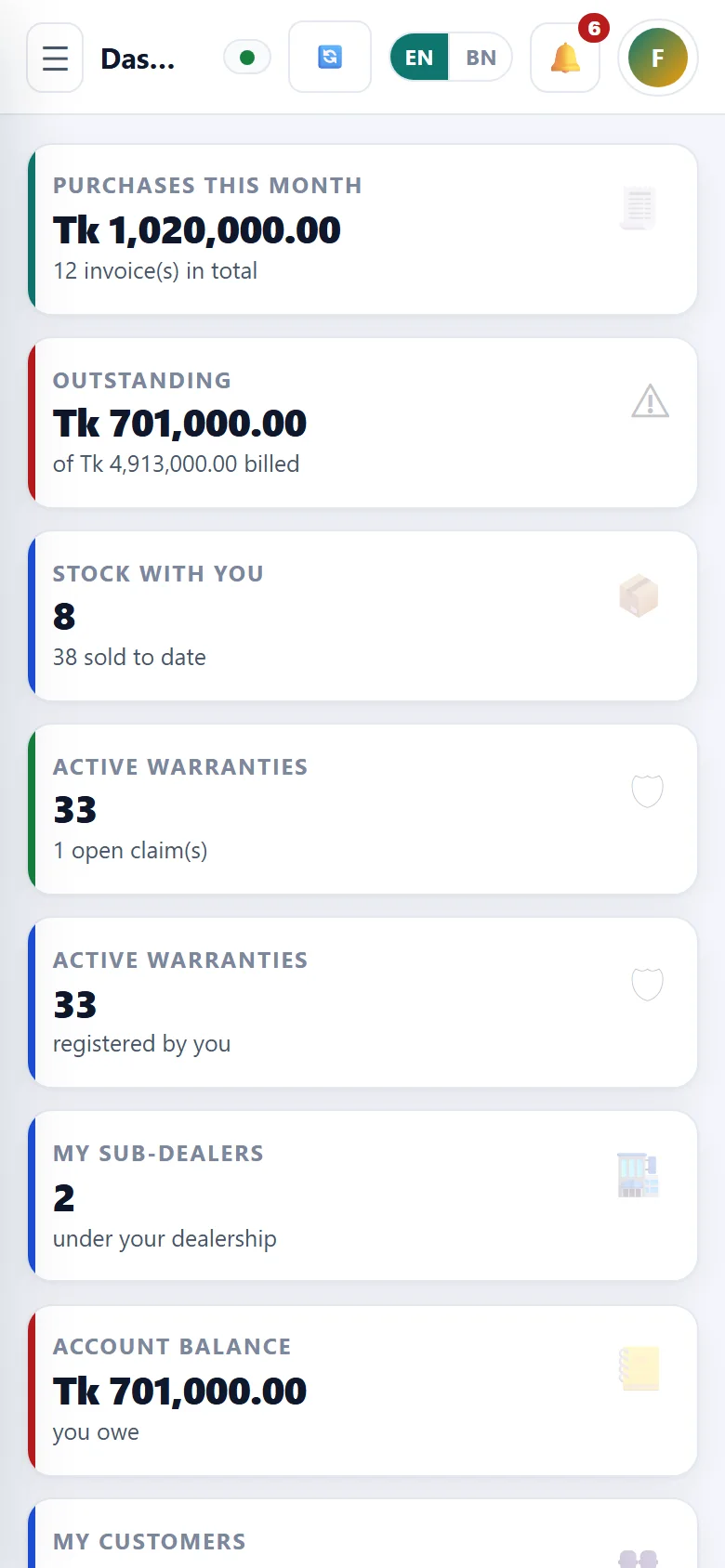
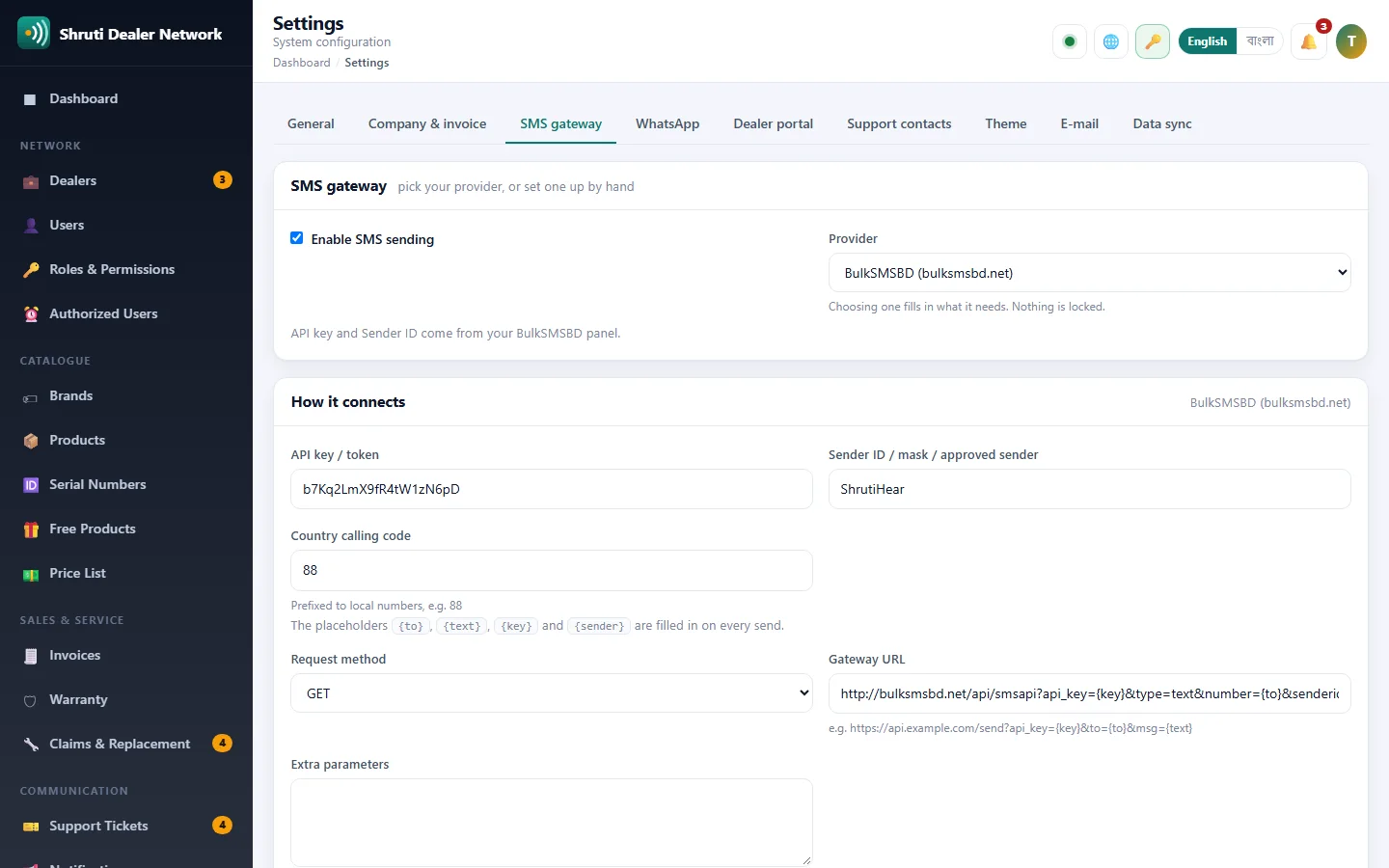
screenshots - click a picture to see it full size.
Choose your plan
Every package is for Dealer Management System. Pay once or by subscription - your key is issued the moment the payment is confirmed.
Free Trial
Try Dealer Management System for 14 days on one domain — no payment needed.
- Every free addon
- 1 domain
- 14 days
- Community support
Monthly Starter
Everything a single business needs, billed monthly.
- Every free addon
- 1 domain
- Updates while subscribed
- E-mail support
Yearly Pro
A full year on up to three domains, with paid addons 15% off.
- Everything in Starter
- 3 domains
- Paid addons 15% off
- Priority support
Lifetime Deal
Pay once, use forever, on up to five domains.
- Everything in Pro
- 5 domains
- Lifetime updates
- Paid addons 25% off
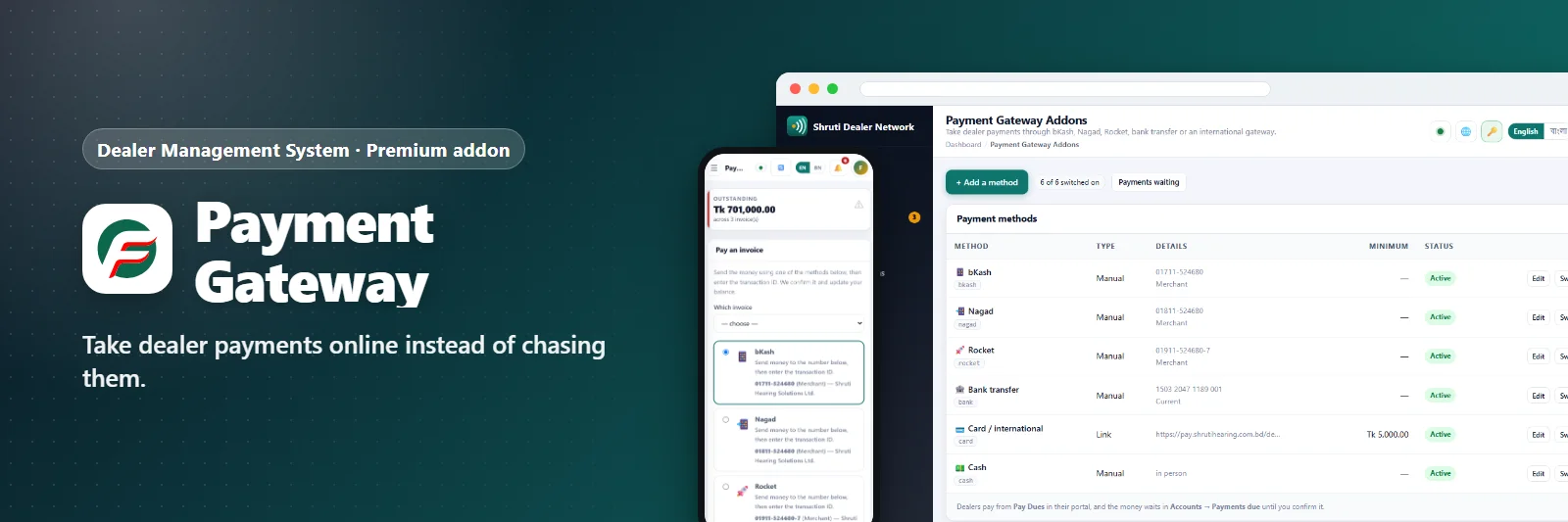
One account for every product. Pay by bKash, Nagad, bank transfer or card - the key and the invoice arrive as soon as the payment is confirmed.
Extend Dealer Management System
addons - switch on only what you need, each with its own key.
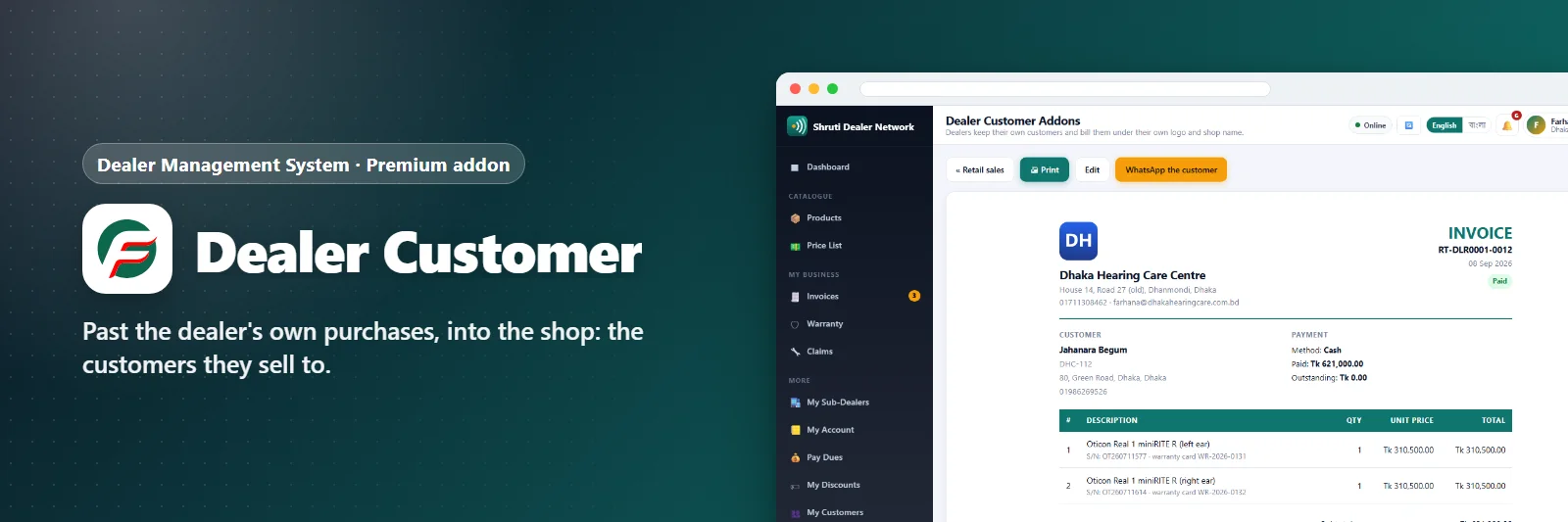
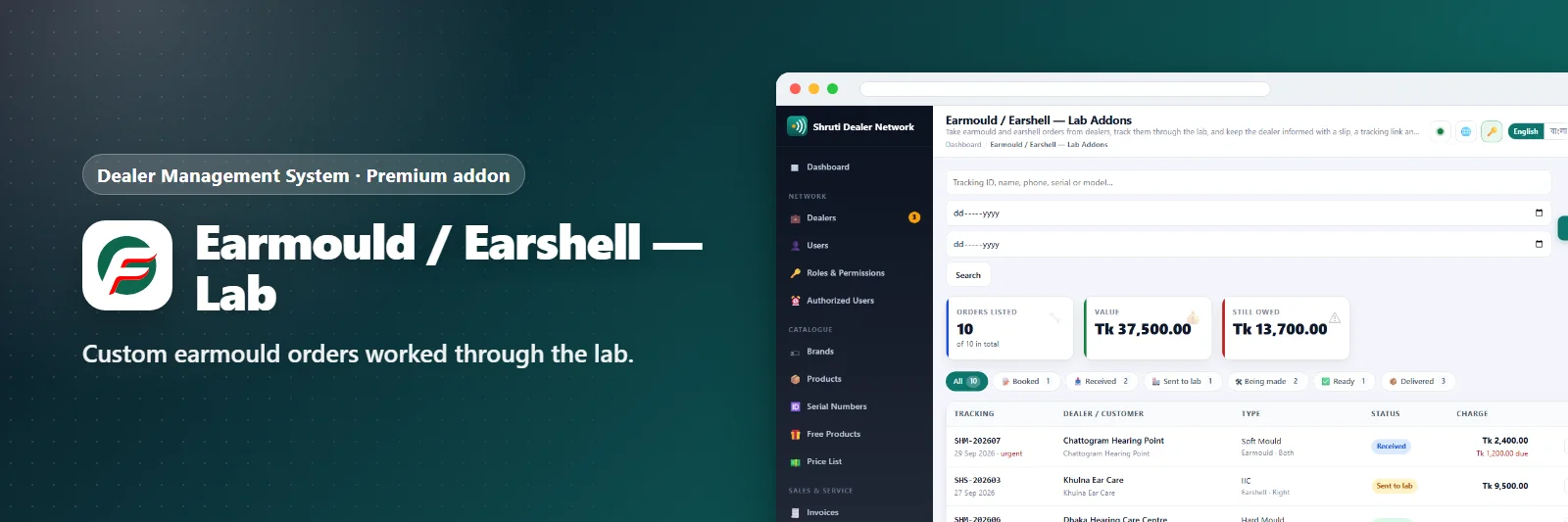
Past the dealer's own purchases, into the shop: the customers they sell to.
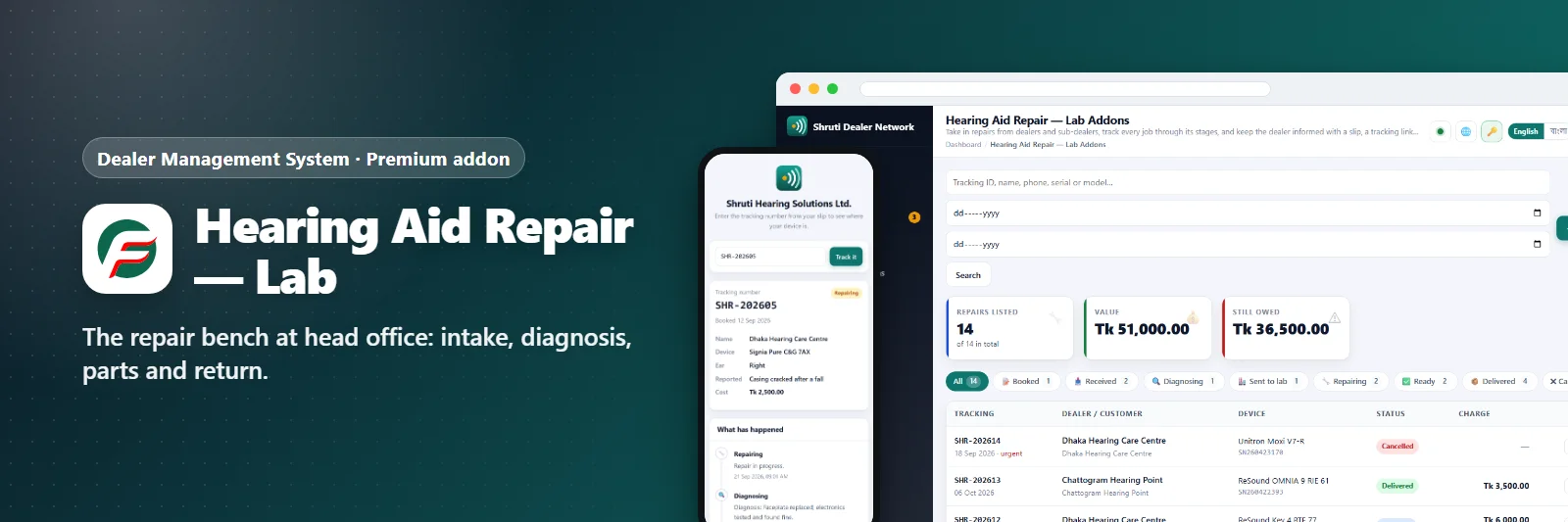
The repair bench at head office: intake, diagnosis, parts and return.
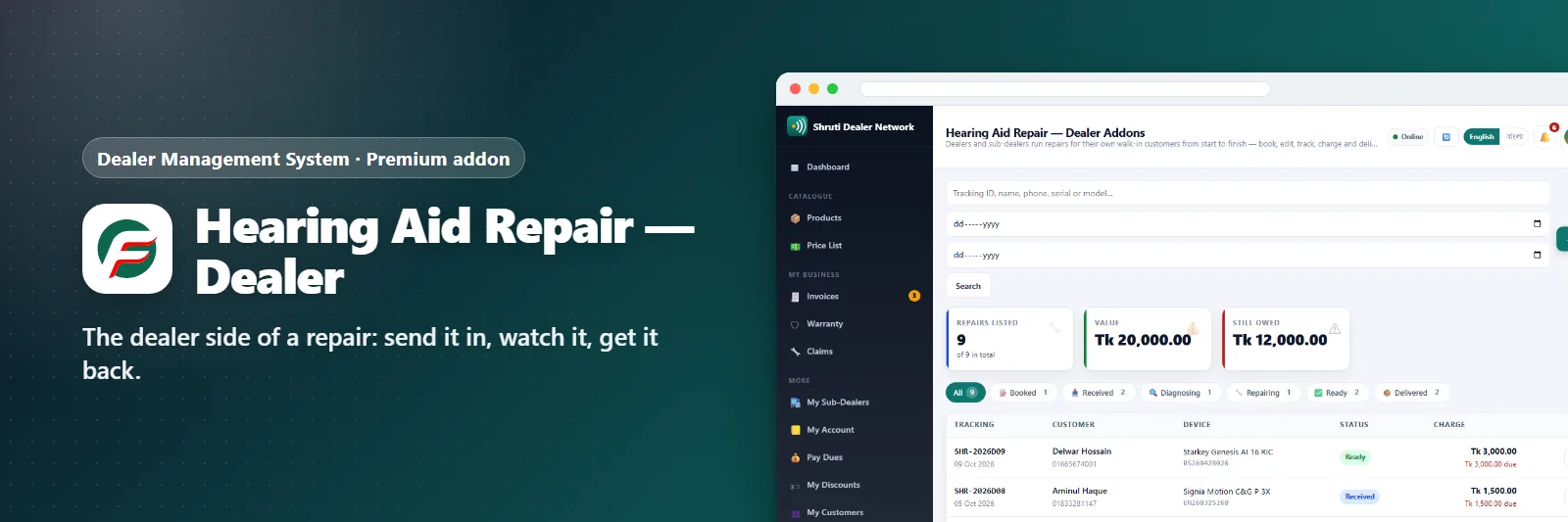
The dealer side of a repair: send it in, watch it, get it back.
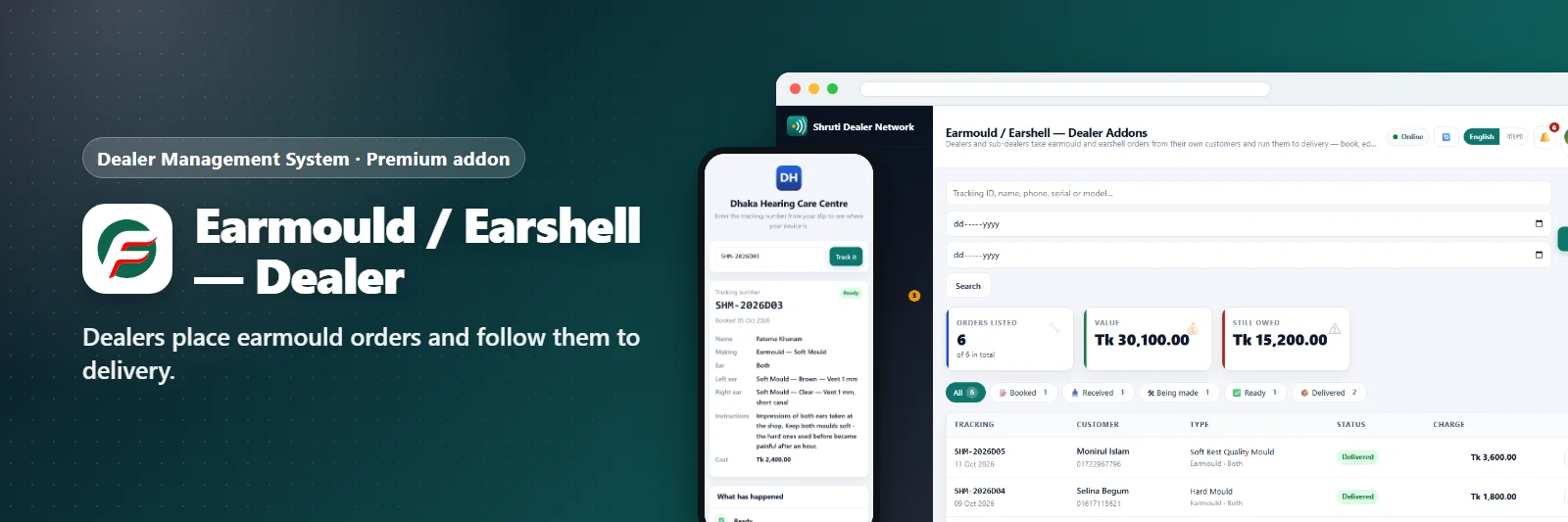
Dealers place earmould orders and follow them to delivery.
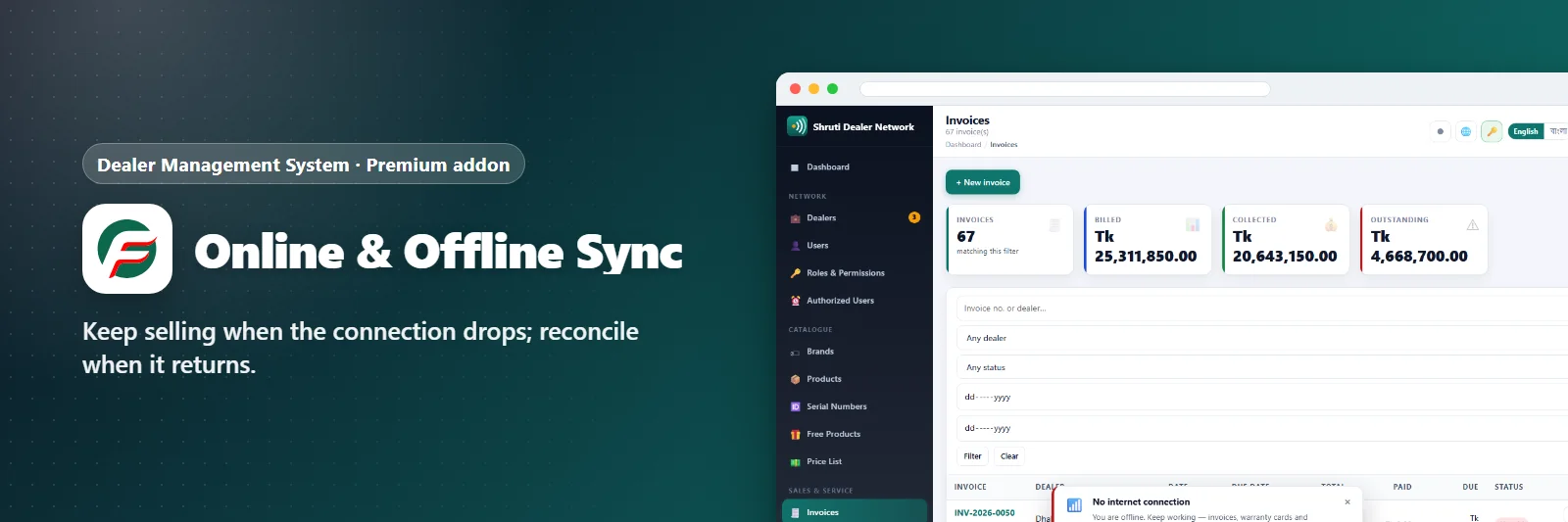
Keep selling when the connection drops; reconcile when it returns.
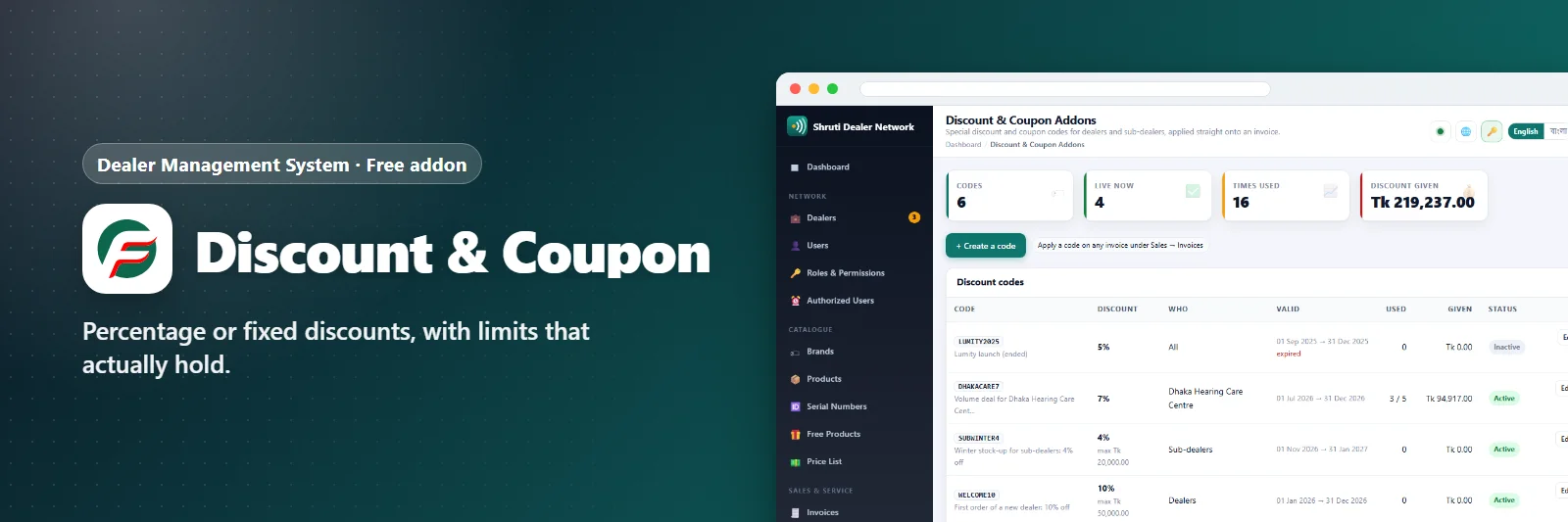
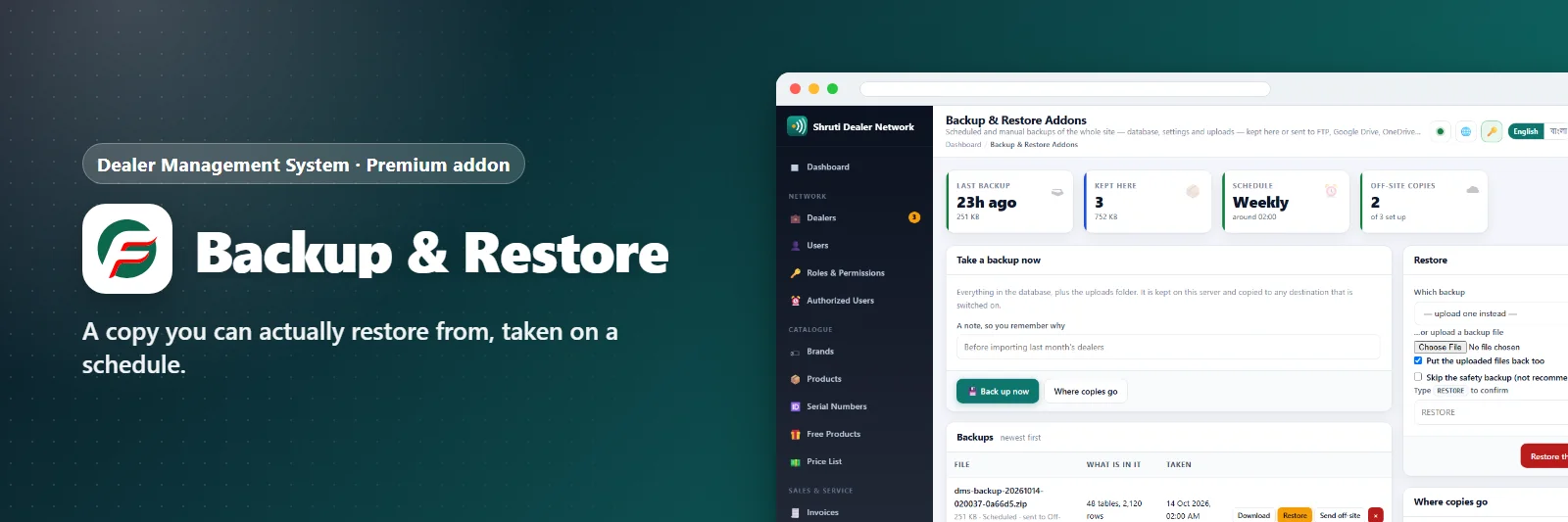
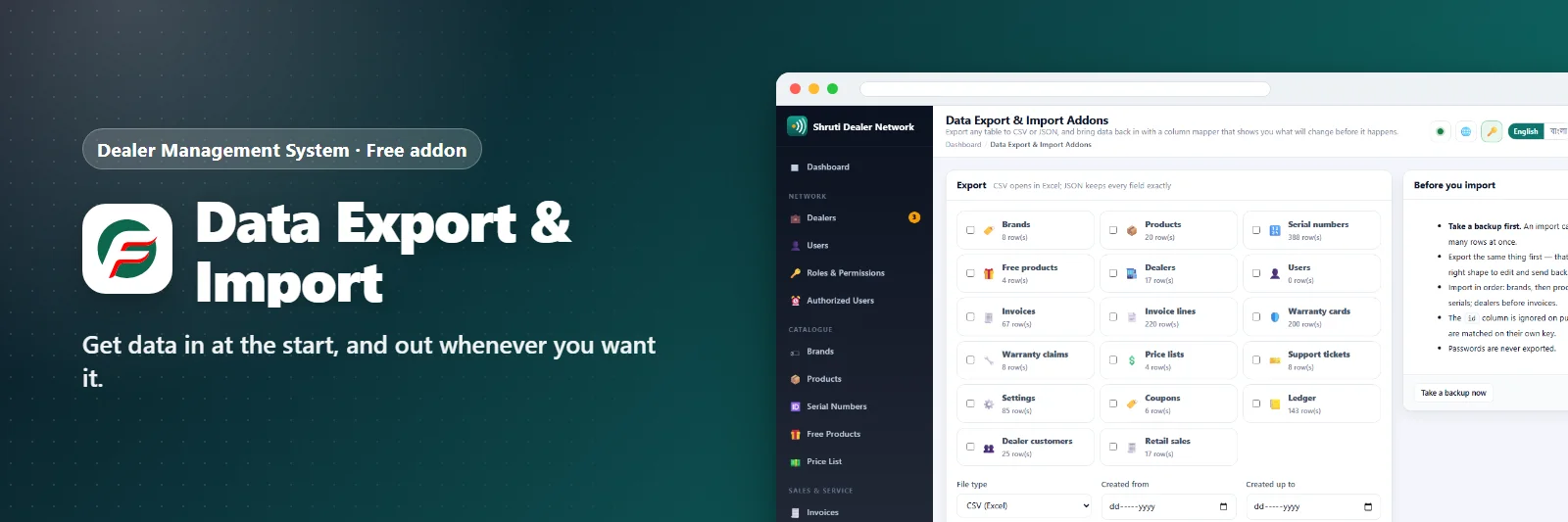
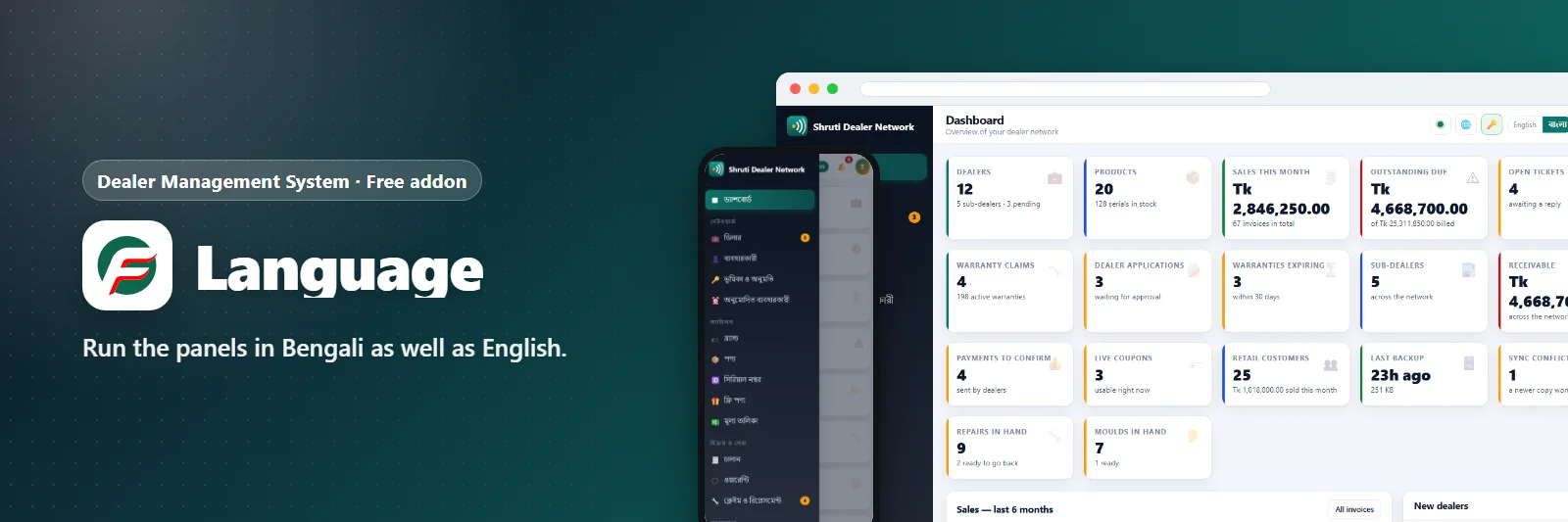
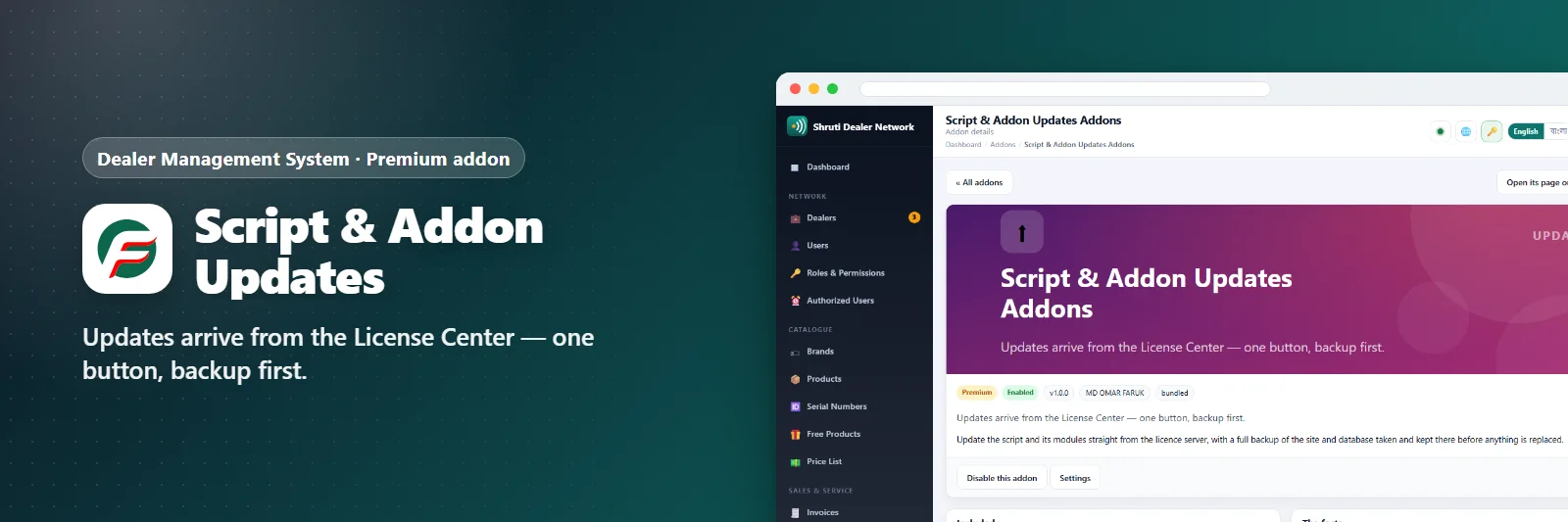
Updates arrive from the License Center — one button, backup first.
The manual
Chapter by chapter: installing, updating, and everything in between.
Getting started
Running the business
Keeping it running
What's new
Before you buy
Do I need an account?
Yes - one free account here holds every licence you buy, for every product, with your invoices and support tickets.
How do I get my licence key?
Buy a package and pay by bKash, Nagad, bank transfer or card. As soon as the payment is confirmed the key is e-mailed to you and appears in your account.
Can I add addons later?
Yes. Each addon has its own key and unlocks inside the installation you already run - nothing to reinstall.
What happens when a new version comes out?
Your installation offers the update itself, and takes a full backup first, so updating is one click.
Reviews & comments
Rate it, ask a question or tell others how you use it. Everyone here is a signed-in LCPanel member - verified buyers are marked and come first.
Add stars to your comment and it becomes a review.