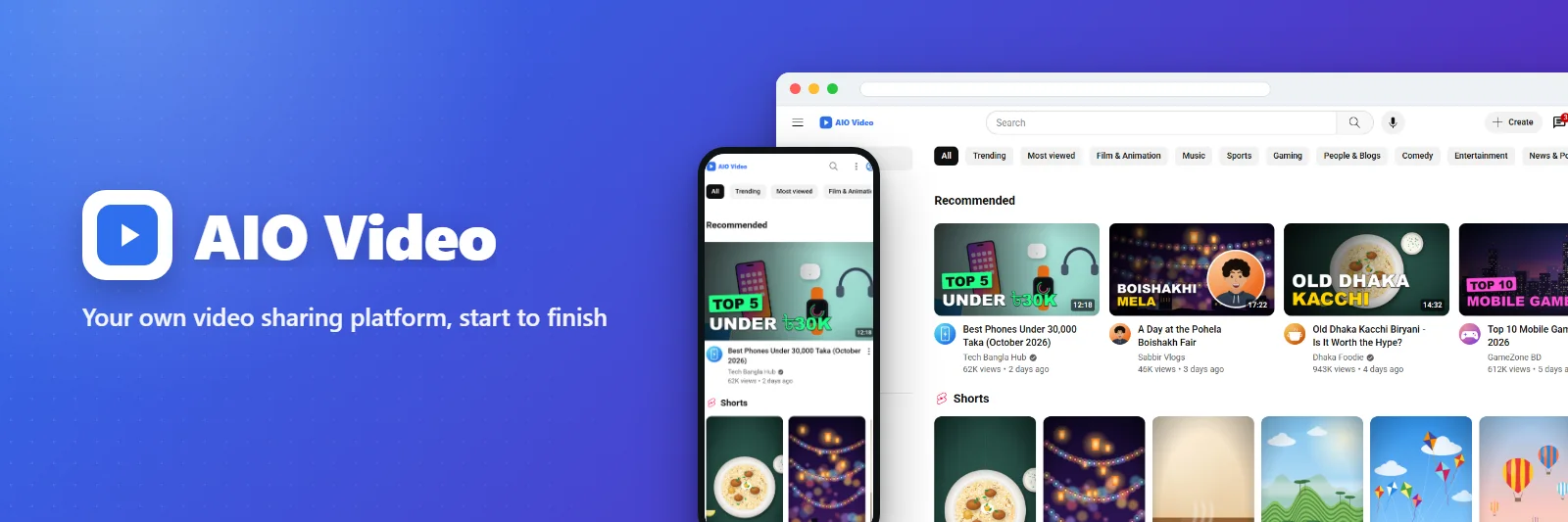
AIO Video
Your own video sharing platform, start to finish
রিভিউ ও মন্তব্য রেটিং দিন, প্রশ্ন করুন বা কোনো ভাবনা জানান - আমরা এই পেজেই উত্তর দিই।AIO Video কী করে
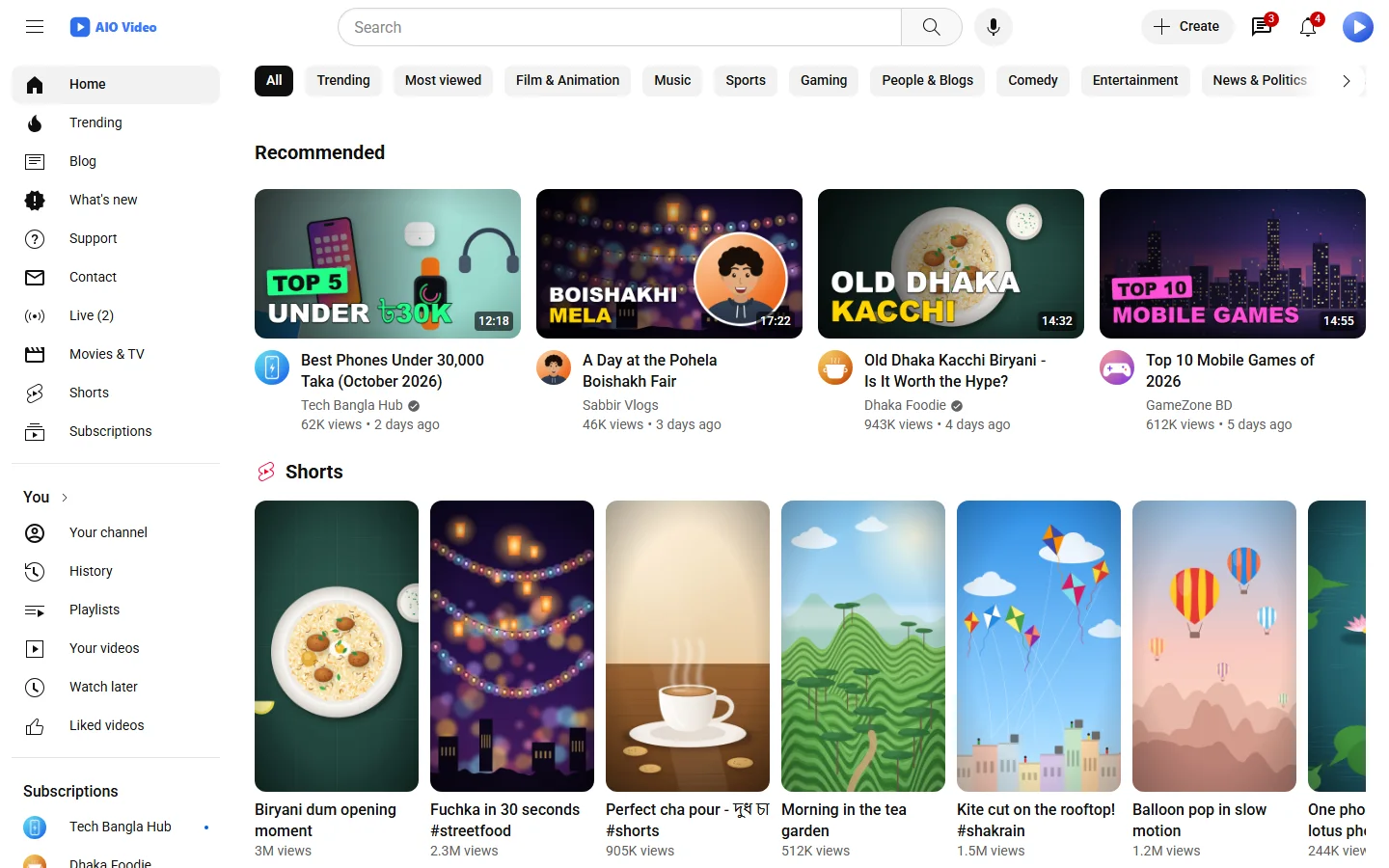
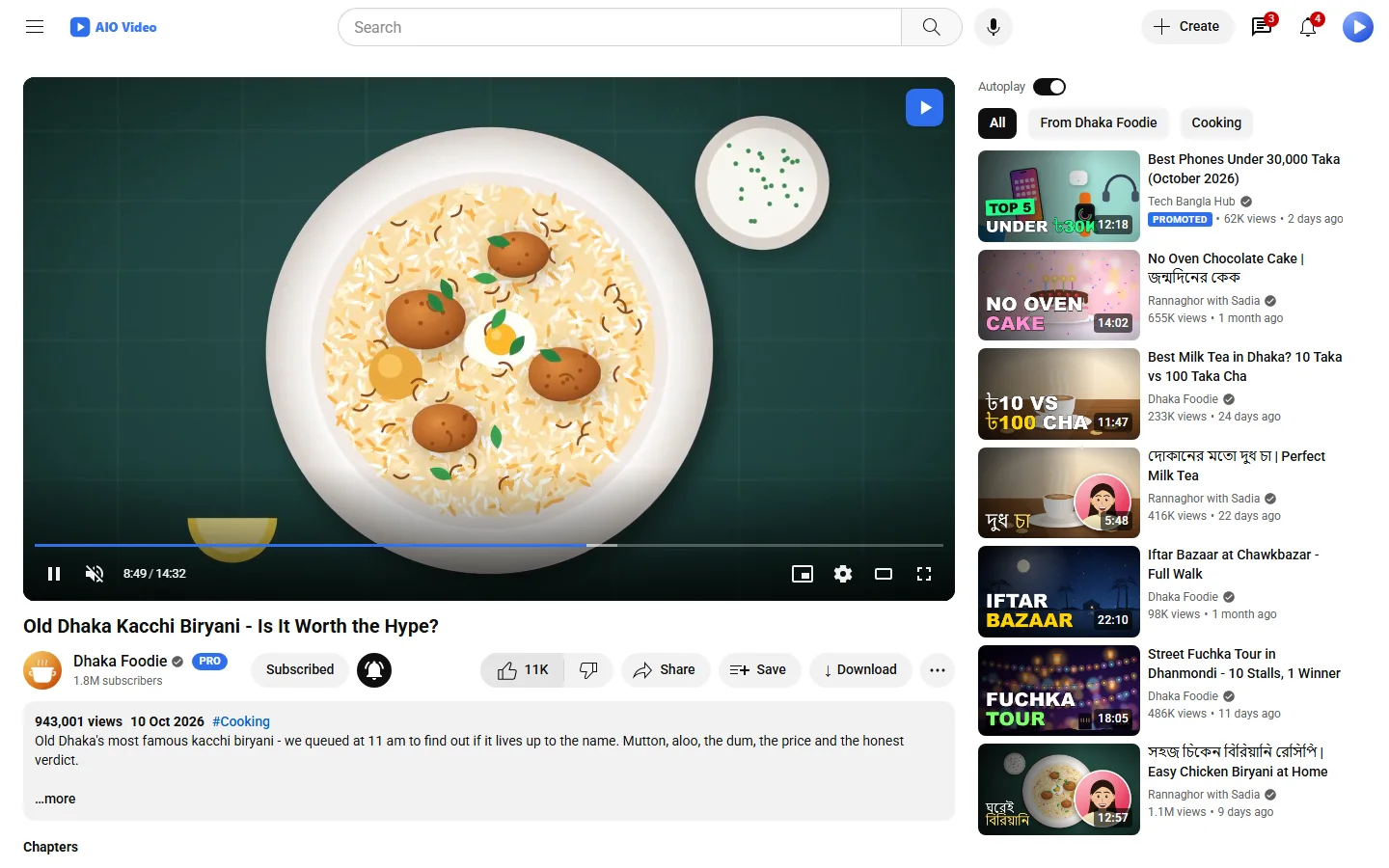
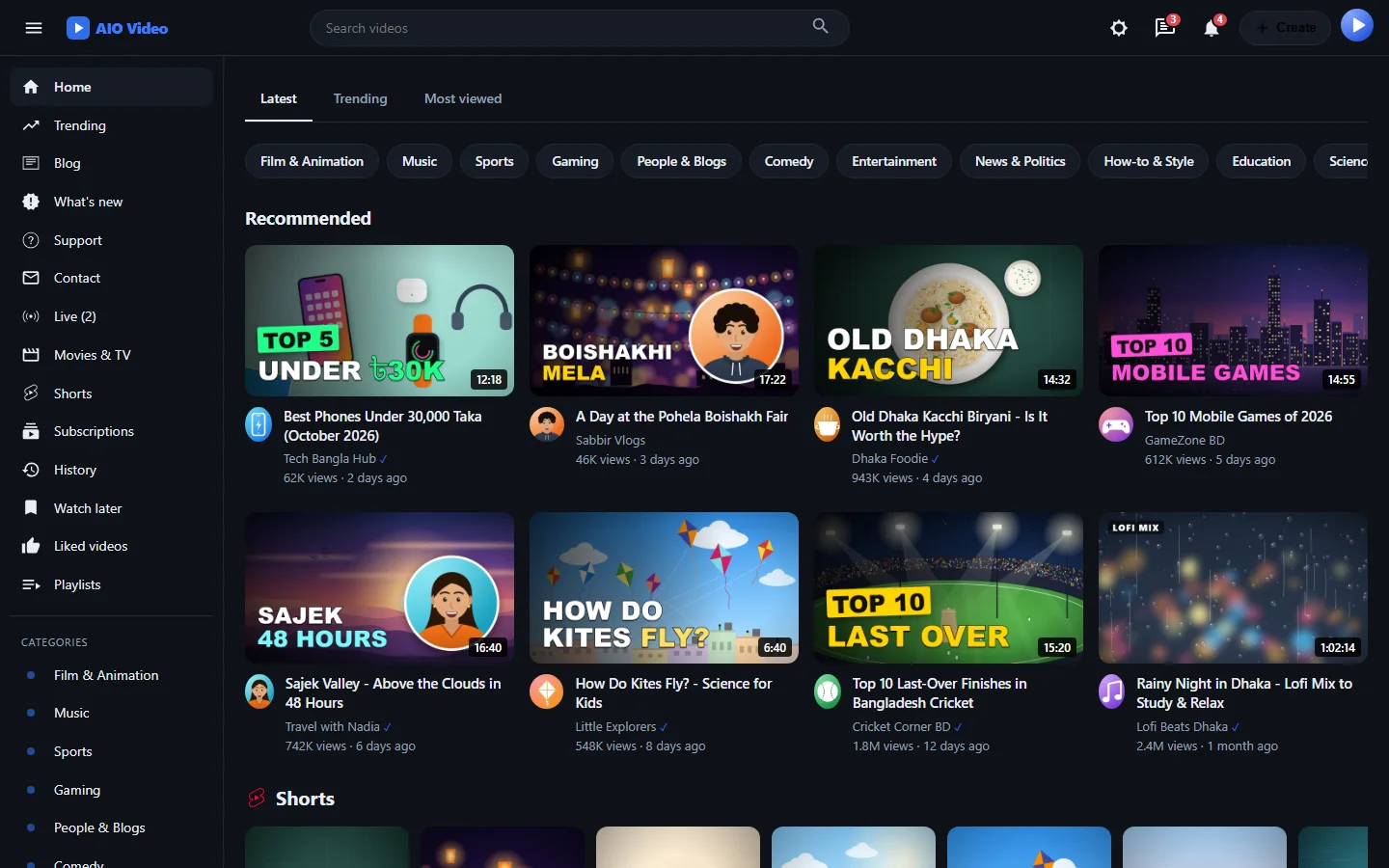
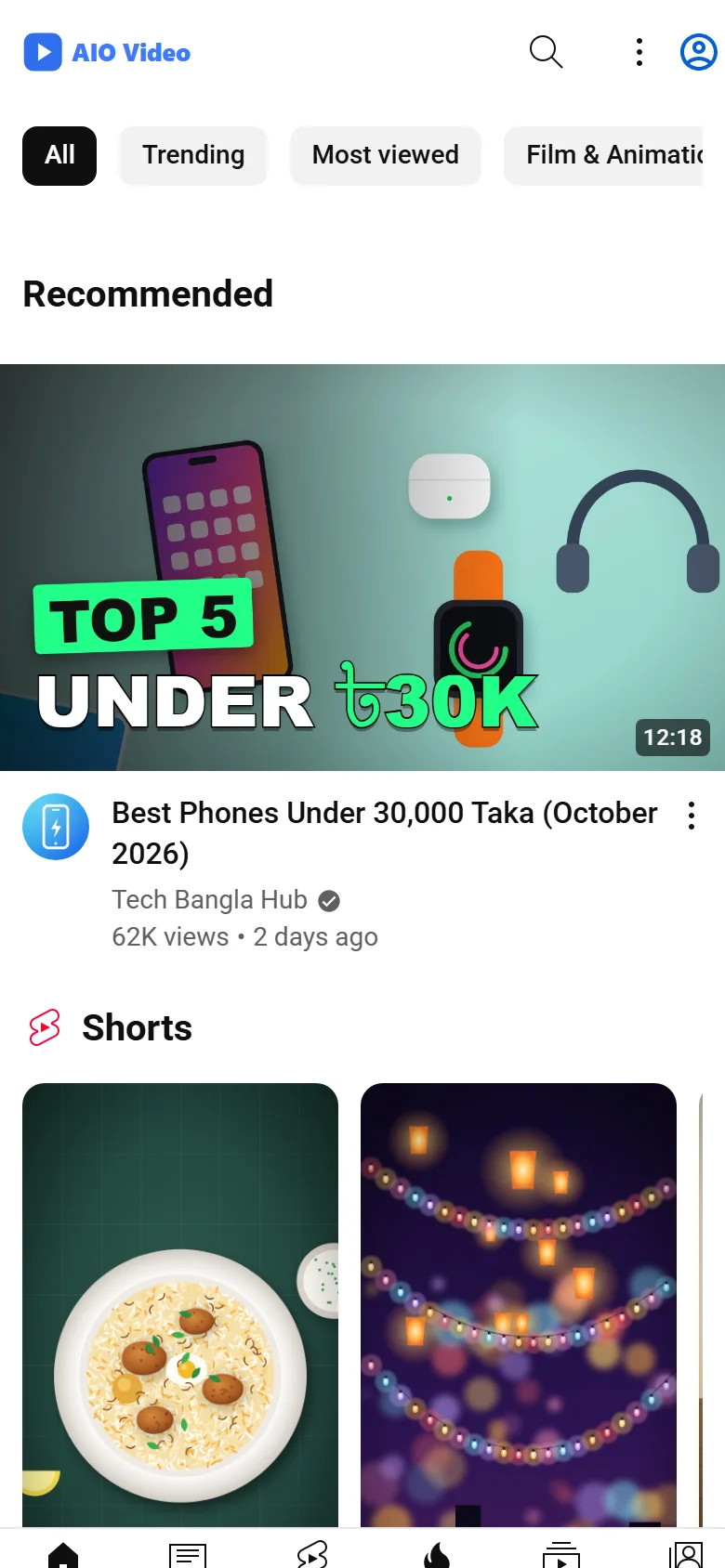
AIO Video gives you a YouTube-style site of your own.
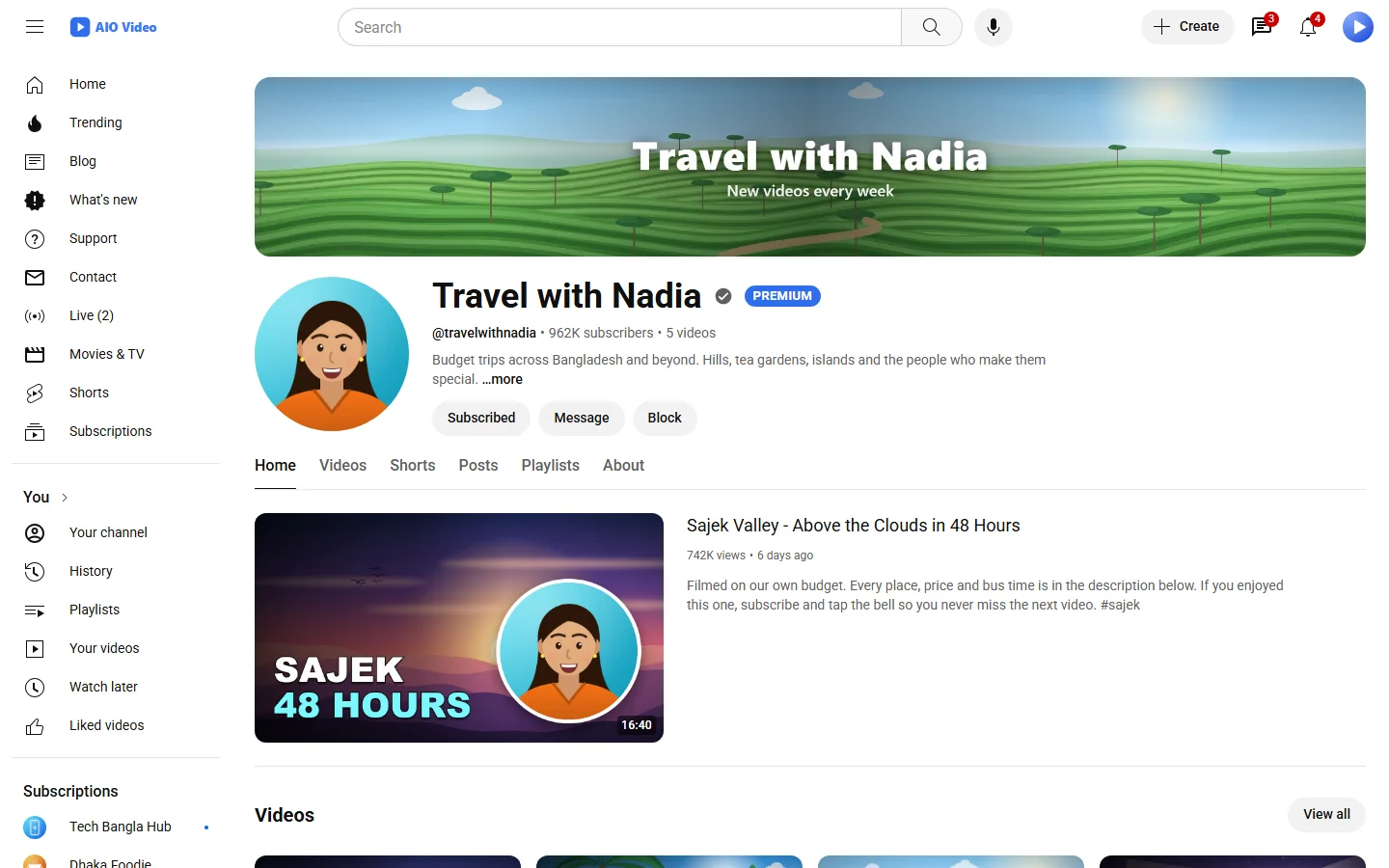
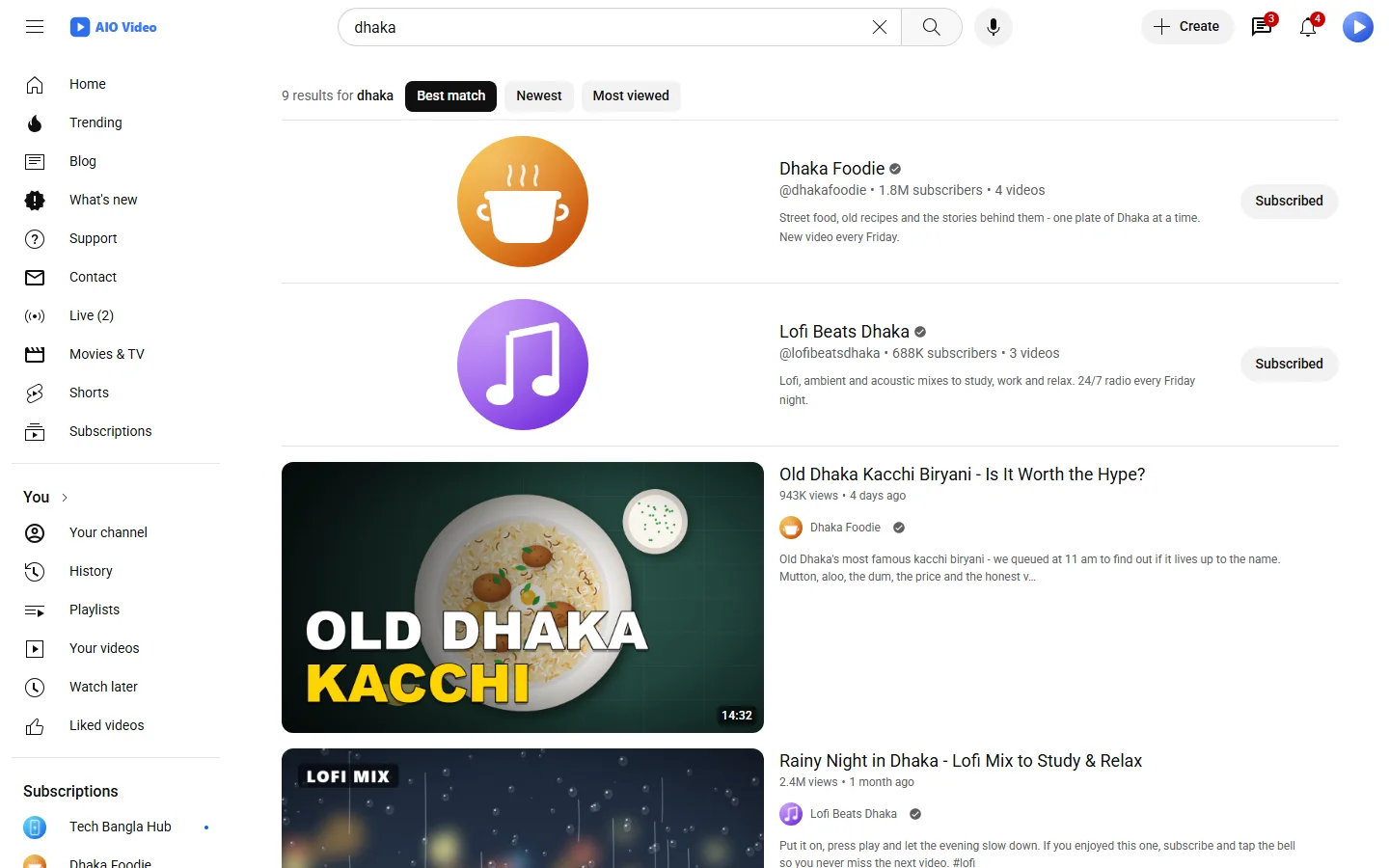
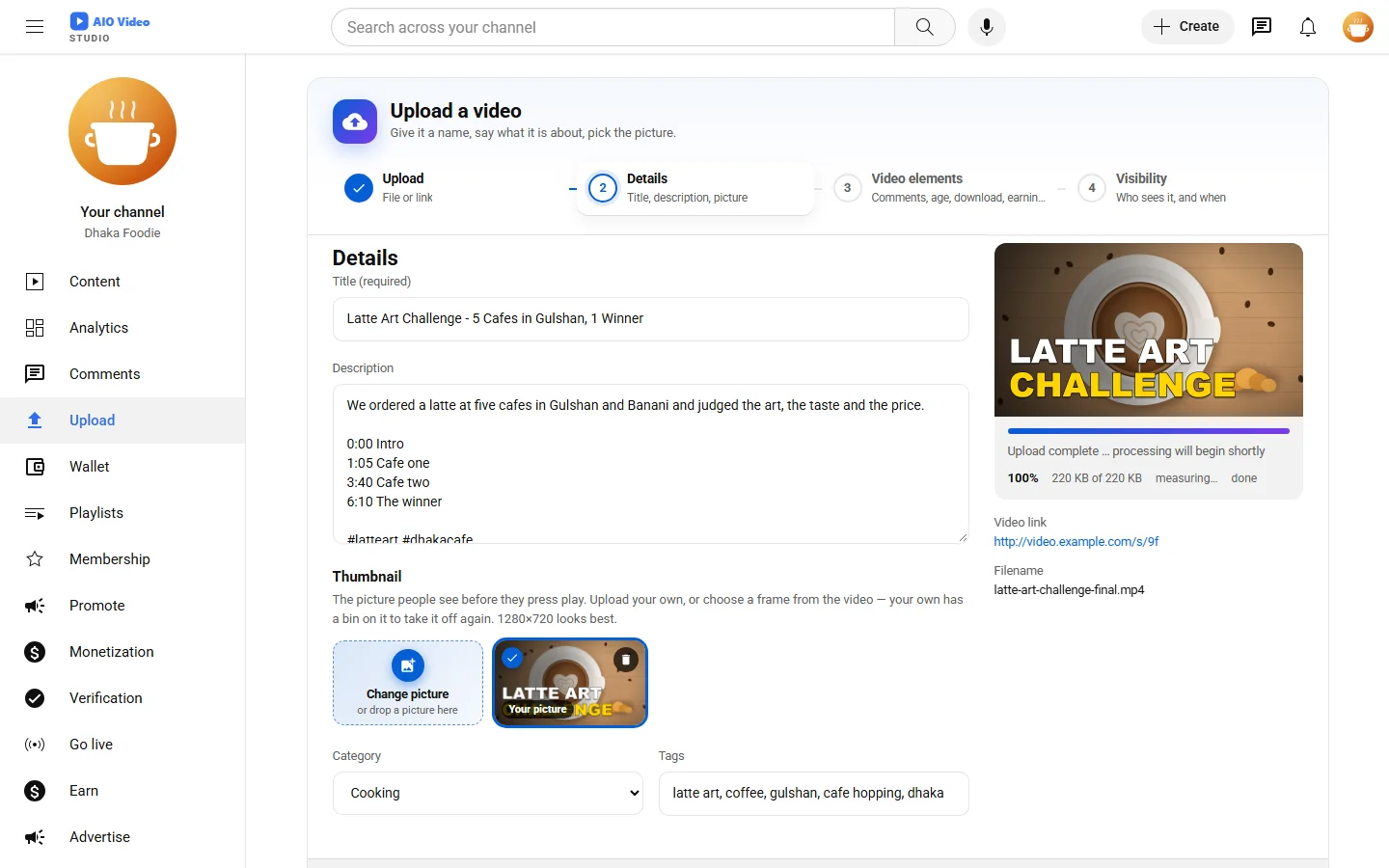
Visitors browse, search and watch. Members open a channel, upload a video or paste a link from YouTube, Vimeo or Dailymotion, and build playlists. You get an admin panel for everything else: videos, comments, categories, pages, reports, members and settings.
Everything beyond the core is a plugin, so you only run what you need - and moving in from another script is itself a plugin.
প্রধান বৈশিষ্ট্য
- Channels, subscriptions, playlists, watch history
- Verification and monetization on request, approved from the panel; members promote their videos
- Fast uploads in big parallel pieces past php.ini's limits, or an import from YouTube, Facebook, TikTok, Vimeo and every major site
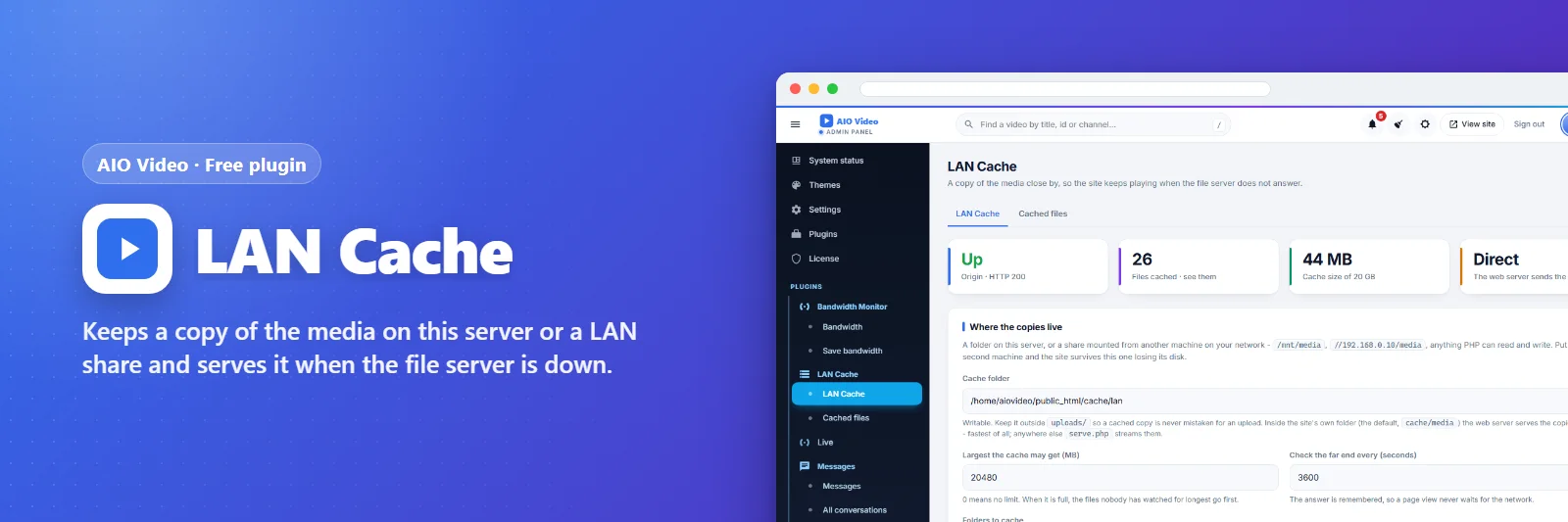
- FFmpeg conversion into every quality in small files, watched live from the panel, carrying on after a stop; FTP file server, LAN cache
- One cron line that works with any php, tested from the panel; the site keeps its own jobs going when cron is not arriving
- Imported YouTube videos play in the site's own player, source hidden, with mid-roll ads and seek-bar pictures
- Cloudflare, robot check, HTTPS, CDN and visitor counting settings; one-click cache clear
- A member Studio like YouTube Studio: content, analytics, comments
- Members' Settings with two-step sign-in, sessions, blocked users, a copy of their information; switching between accounts
- Geo-blocking per video; each resolution for everyone, signed-in members or premium members
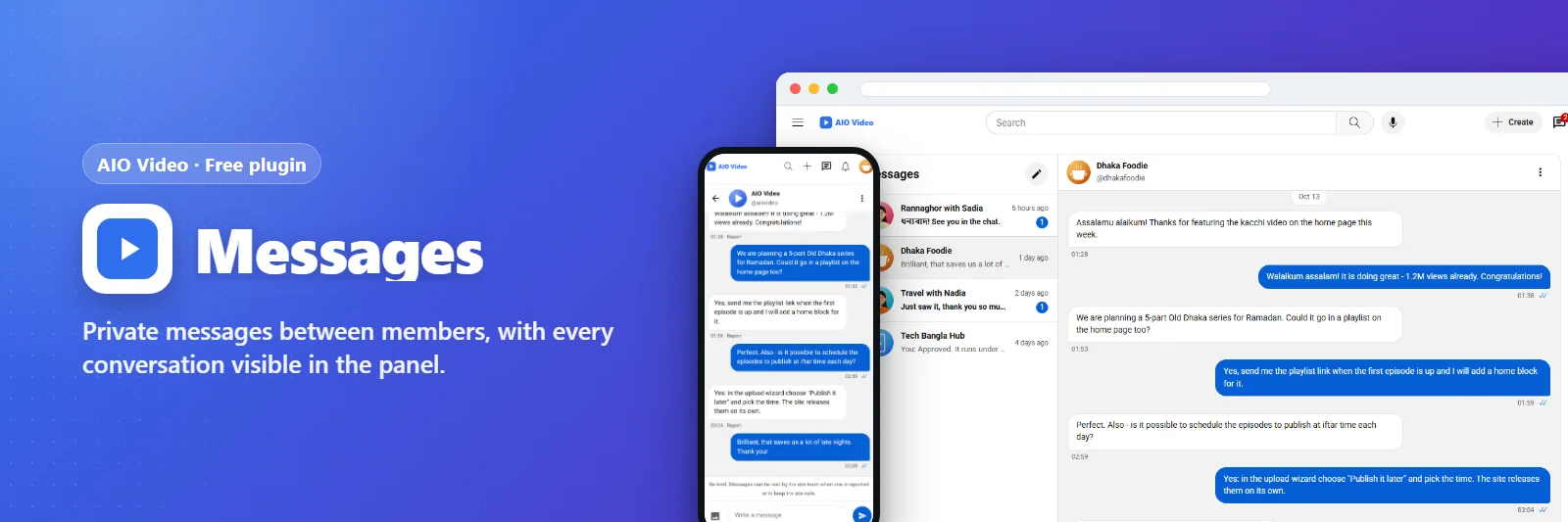
- A whole YouTube channel imported in one go, playlists and Shorts included; private messages between members
- "Watching now": who is watching what at this moment, from where, on what, and the data sent
- HTML and Google AdSense advertisements, stand-ins for blocked ones, ad-free membership packages
- Download guard that refuses download managers, package-gated downloads
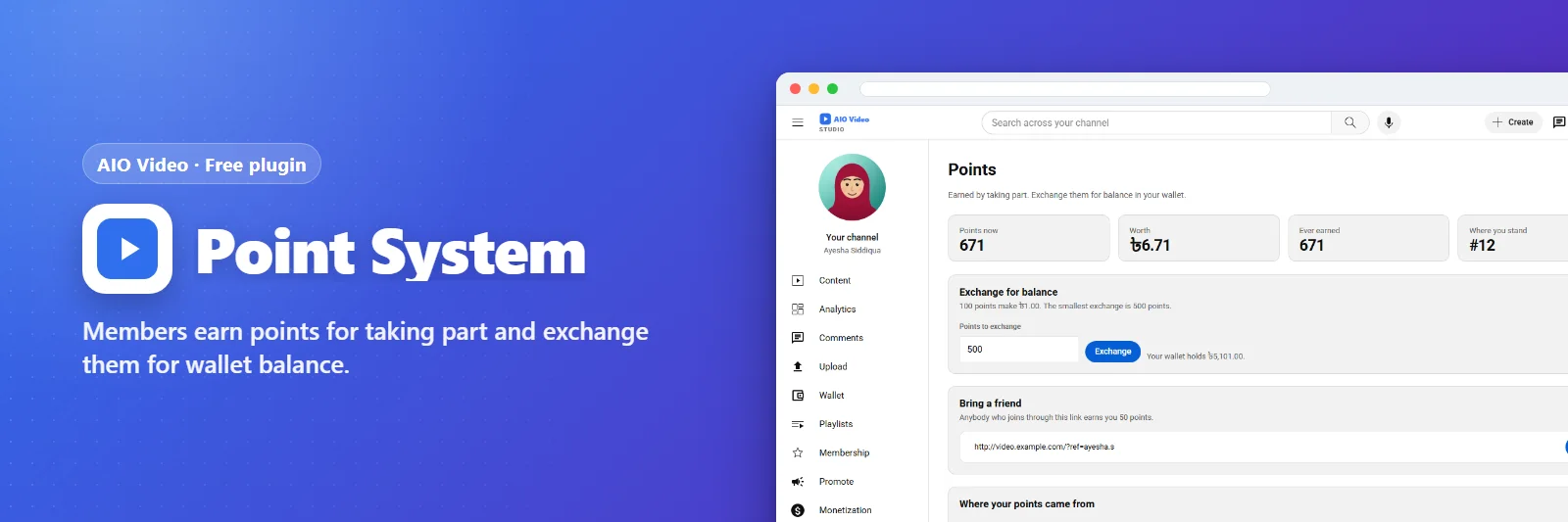
- Memberships, wallet, points, advertising with pre-roll, mid-roll, overlay and post-roll, cards in the player
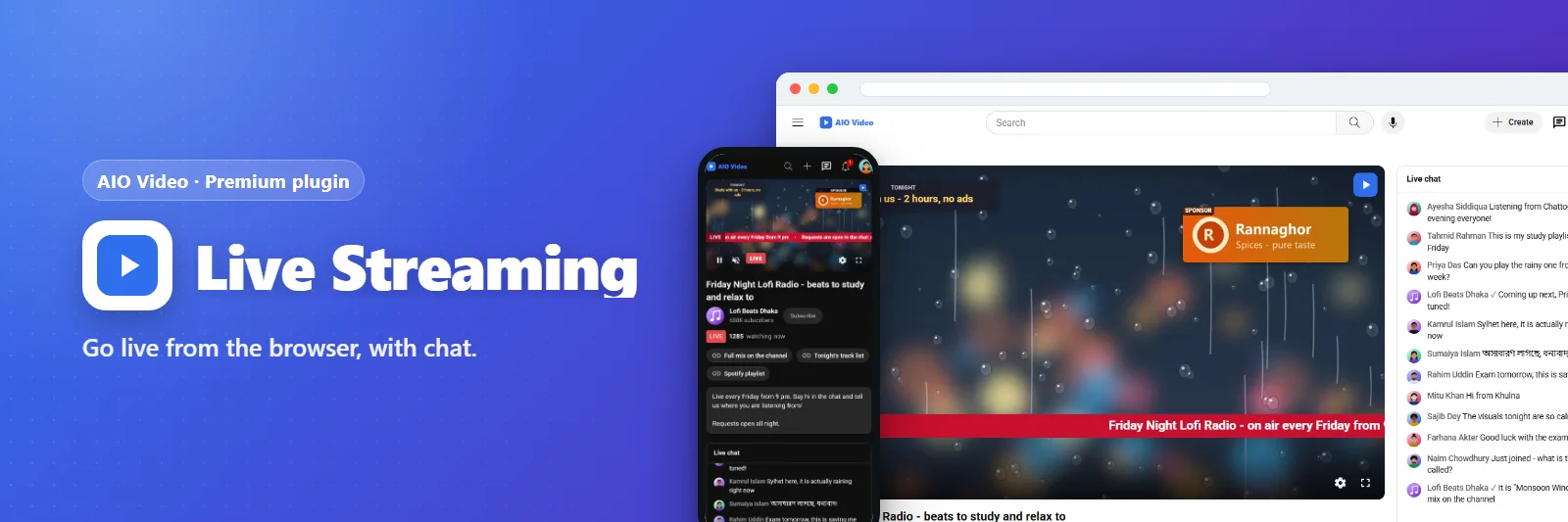
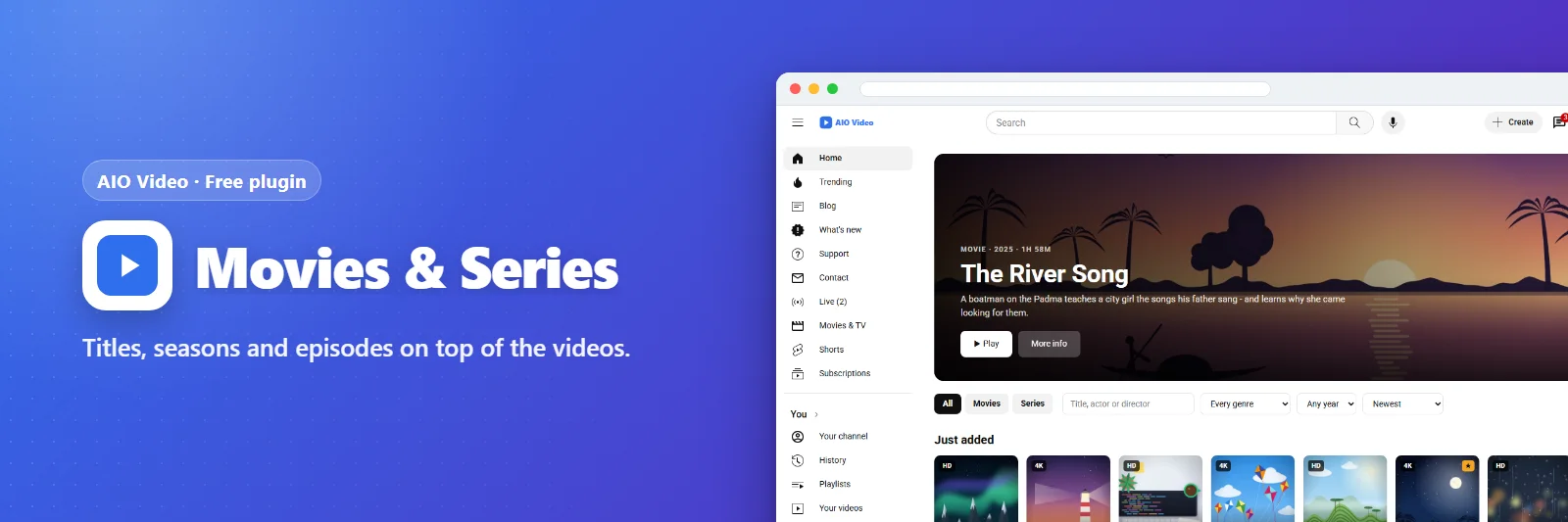
- Live streaming from OBS or the browser, shorts, movies and series
- Themes, clean addresses, search suggestions, custom home blocks
- Mobile API, PWA and generated Android / iOS apps
- A What's new page for visitors and members
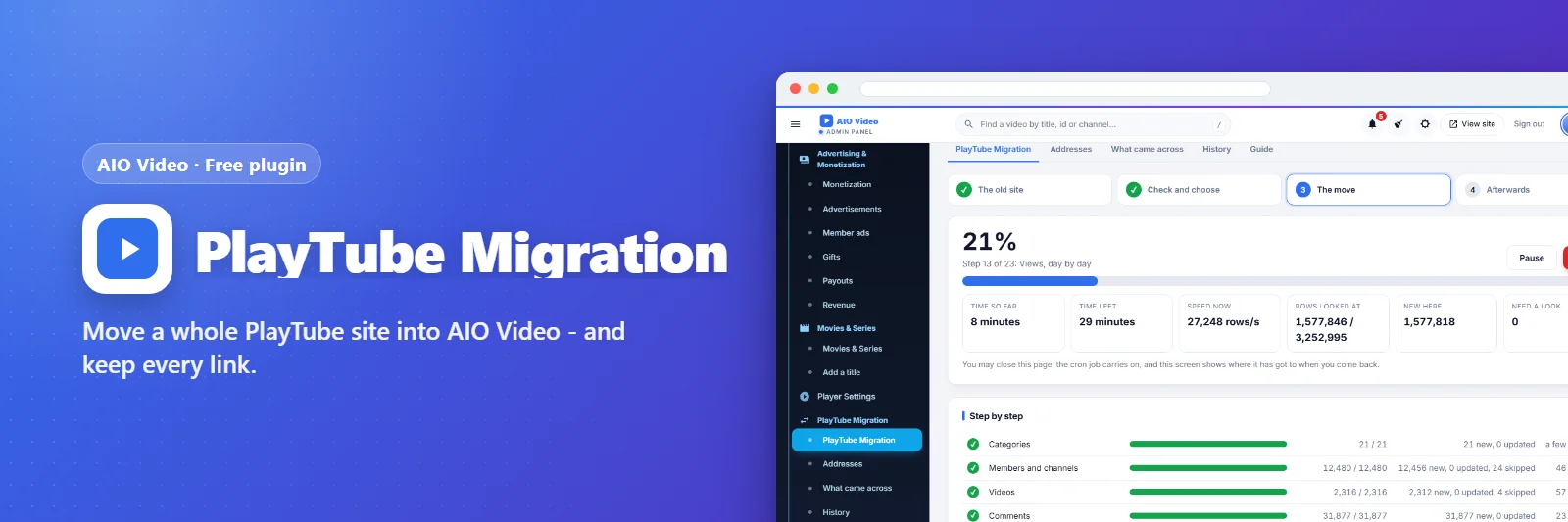
- PlayTube Migration: the whole site moved while installing or later, every old address kept
- Shorts in the full player, with advertisements between and before them; promoted videos that play as skippable spots
- The audio track of a YouTube video dubbed into other languages
- A deletion that removes every file and every trace of a video
- Bandwidth monitor: what the server sends, by kind, country, address, member and video, and how to send less
- The site in the visitor's language, with a picker and a Bengali translation; right-to-left languages
- Forgot your password by e-mail; an age check for videos for grown-ups
- The faruk.bd product advertisements as the site's own campaigns, and as ready-made creatives for members
- Downloads through aiovideodl.com: a link, or the list of files from its API
- Shorts with the view count and a YouTube-like three-dot menu
- Videos brought over from aiovideo.com and other AIO Video or PlayTube sites, copied here by cron
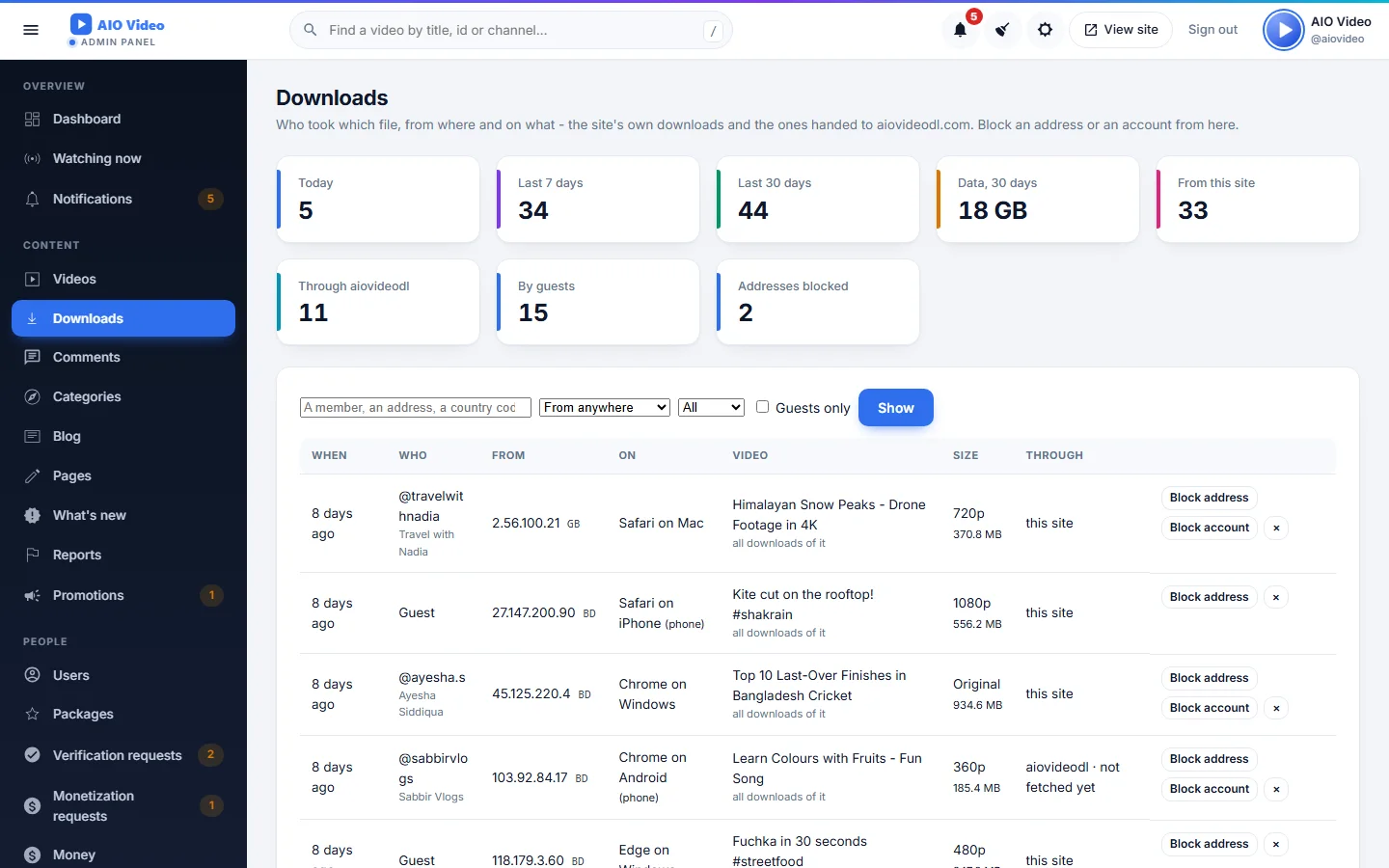
- Downloads through AIO Downloader in the viewer's own sizes; a Downloads page with address and account blocks
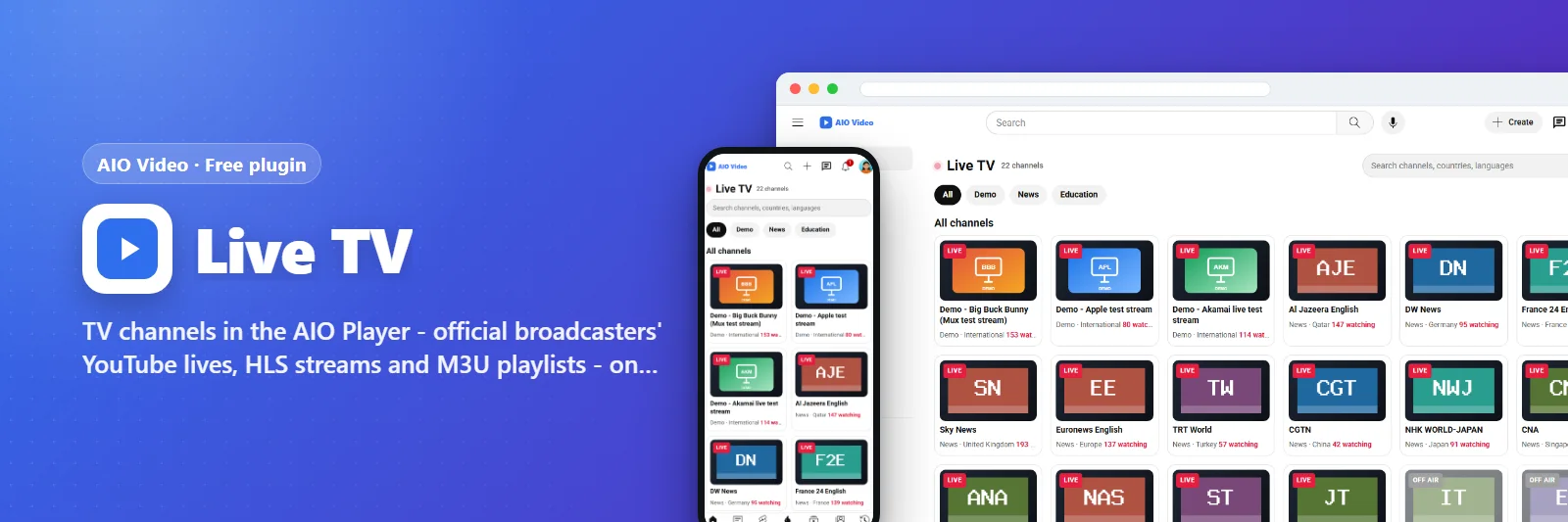
- Live TV: official broadcasters' channels, HLS streams and M3U playlists in the site's player, on a Smart TV too
- A news ticker, sponsor banners and countdowns on live streams
- The site on a Smart TV: TV screens, Android TV, Samsung and LG projects, Link this TV
- Works offline: a pop-up, saved pages and a game that only opens offline
- A developer API with members' keys, and sign-in between your sites (OAuth 2.0 both ways)
- Playlists in their order, a footer menu with ready pages, ready-made membership packages
- A player for the TV remote and media keys, with 10-second buttons
- Lives in the AIO Player with a Live Studio; recordings saved with the ticker and banners burned in
- Storage on FTP, SFTP, S3-compatible stores or Google Drive; members upload big files by FTP
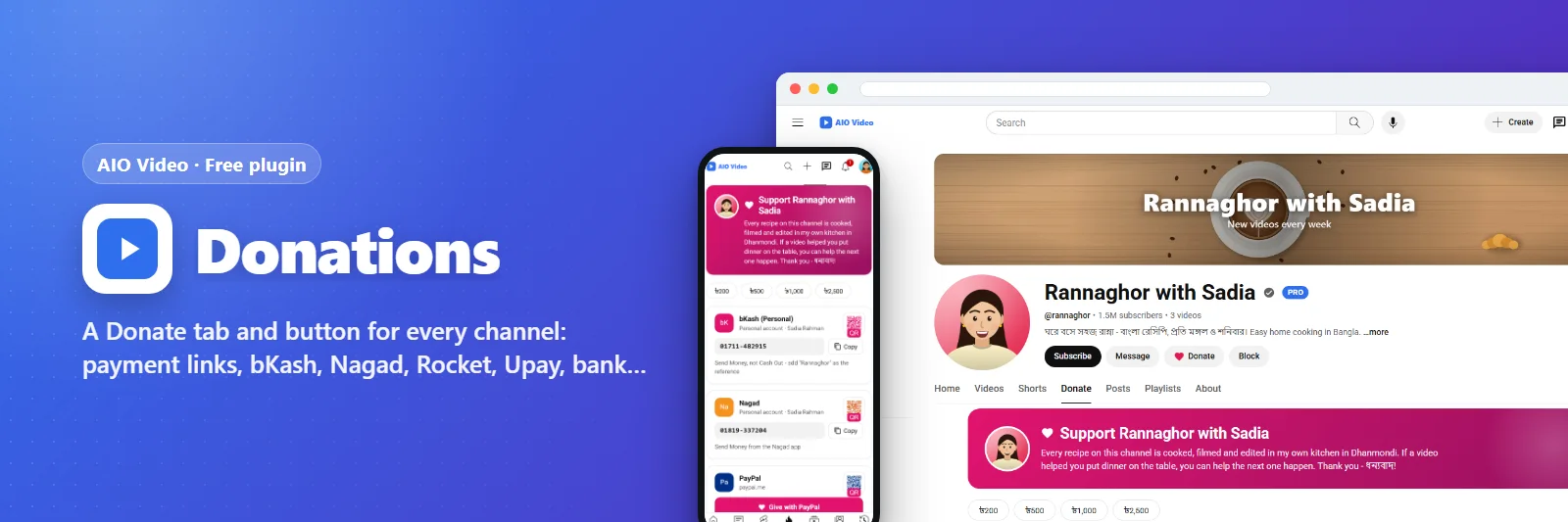
- Donations: a Donate tab with every channel's own ways to give
- Long videos sent a slice at a time; files copied from other sites made fit to play smoothly
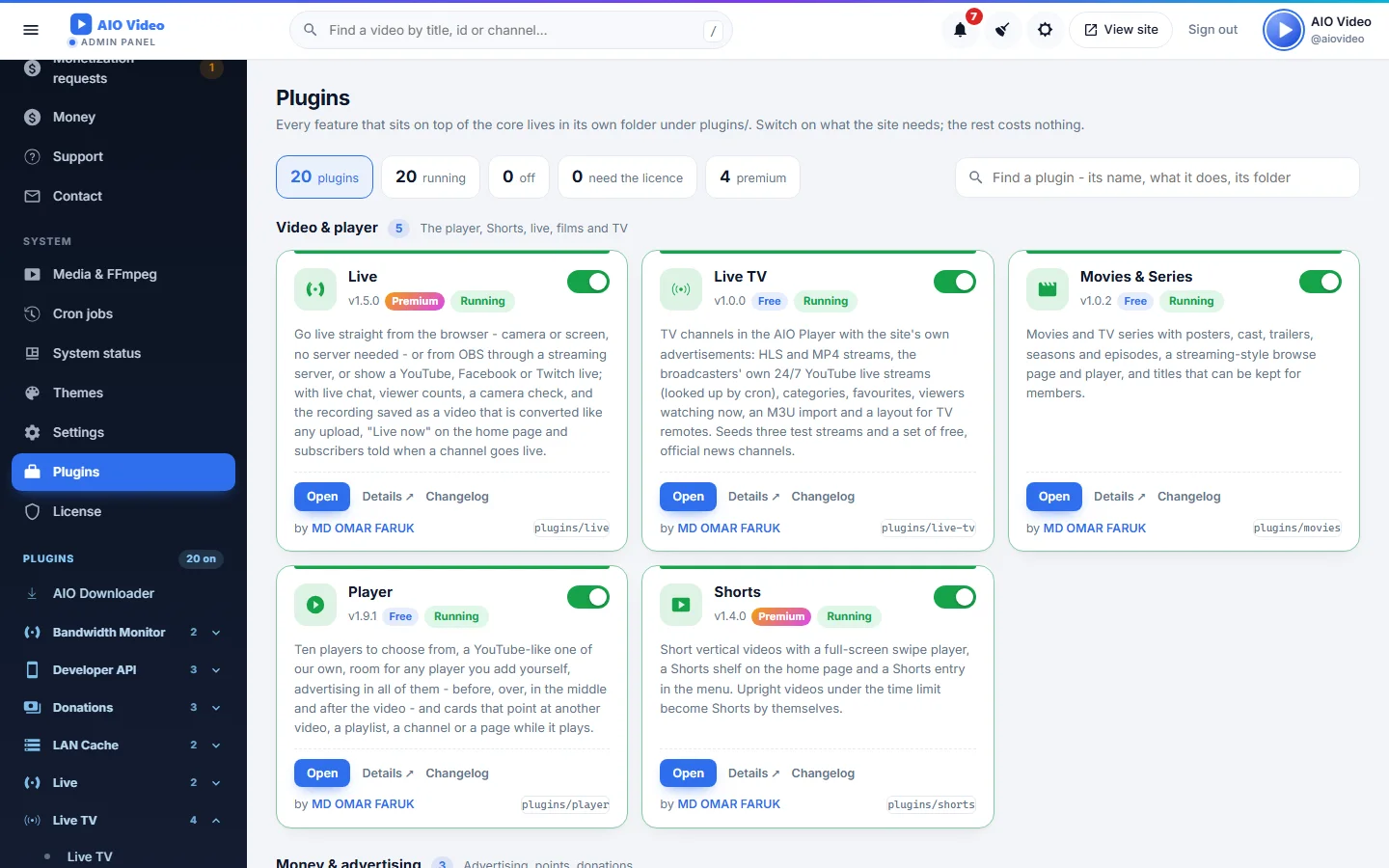
- A Plugins page that groups, counts, searches and switches
- Google AdSense by Google's rules with an earnings checklist; anonymous donations; ad breaks suggested from a video's length
- AOnePlayer as the player, with Cast, DASH, subtitles and chapters on an AOnePlayer key
কেনার আগে দেখে নিন
টি স্ক্রিনশট - বড় করে দেখতে ছবিতে ক্লিক করুন।
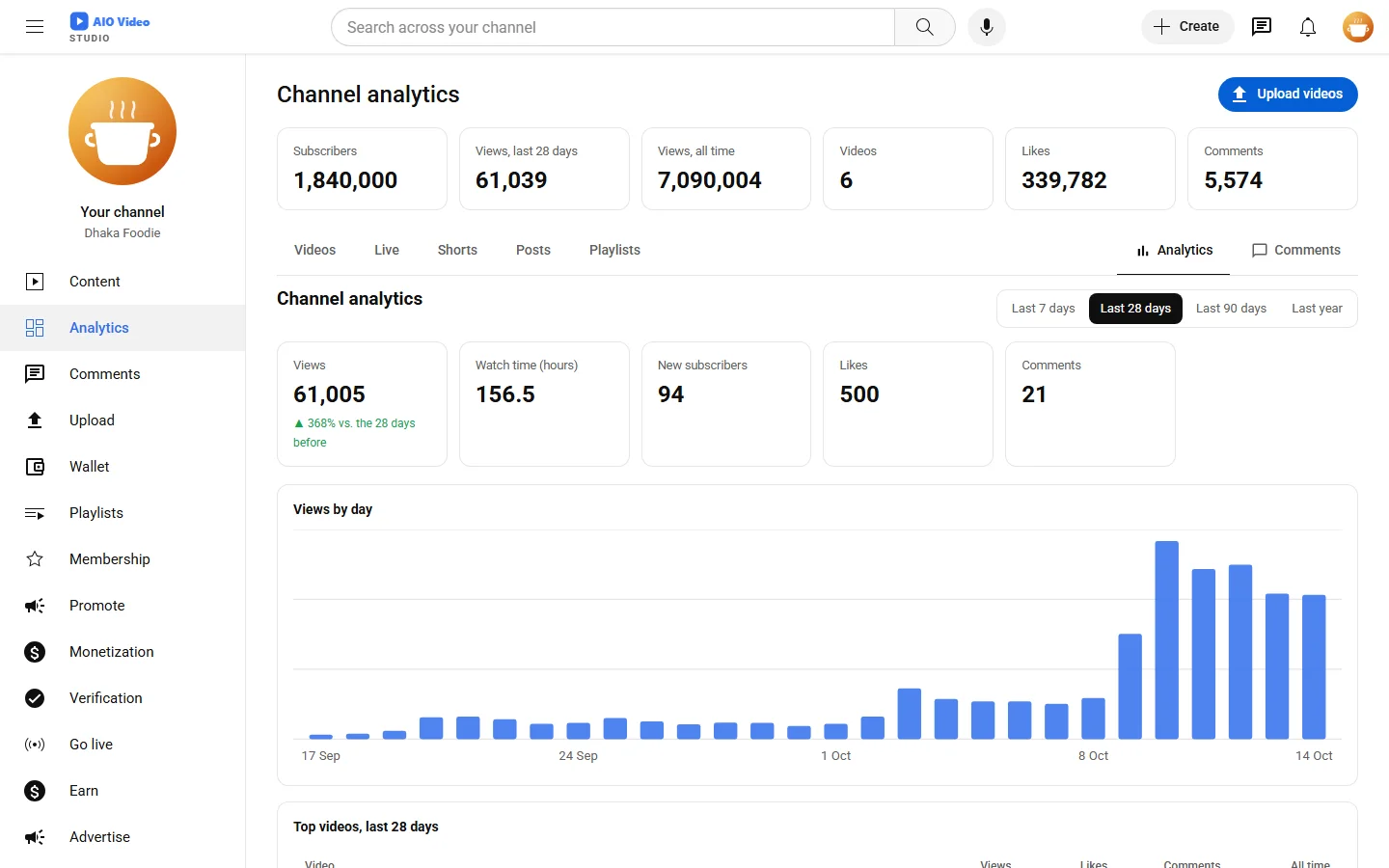
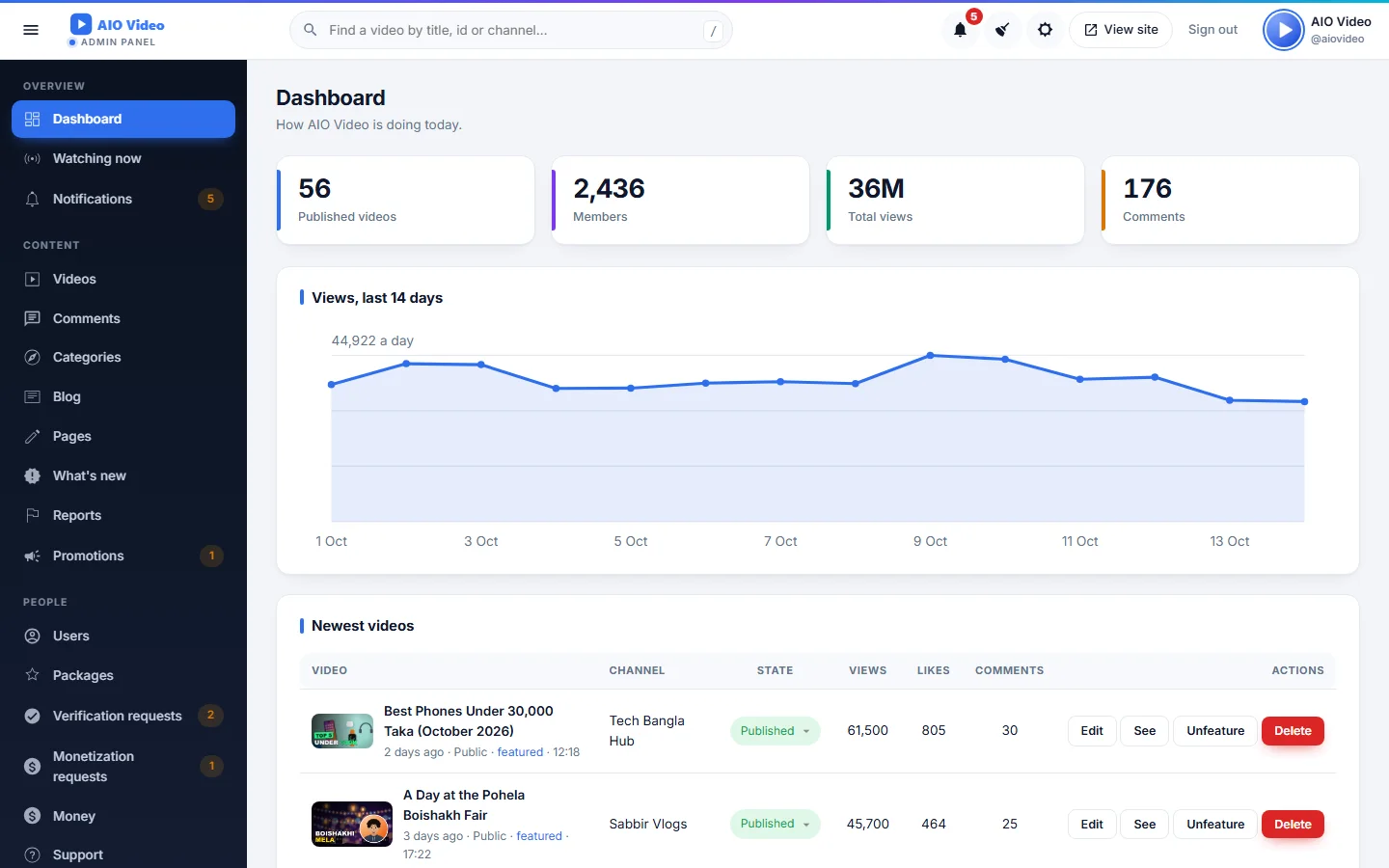
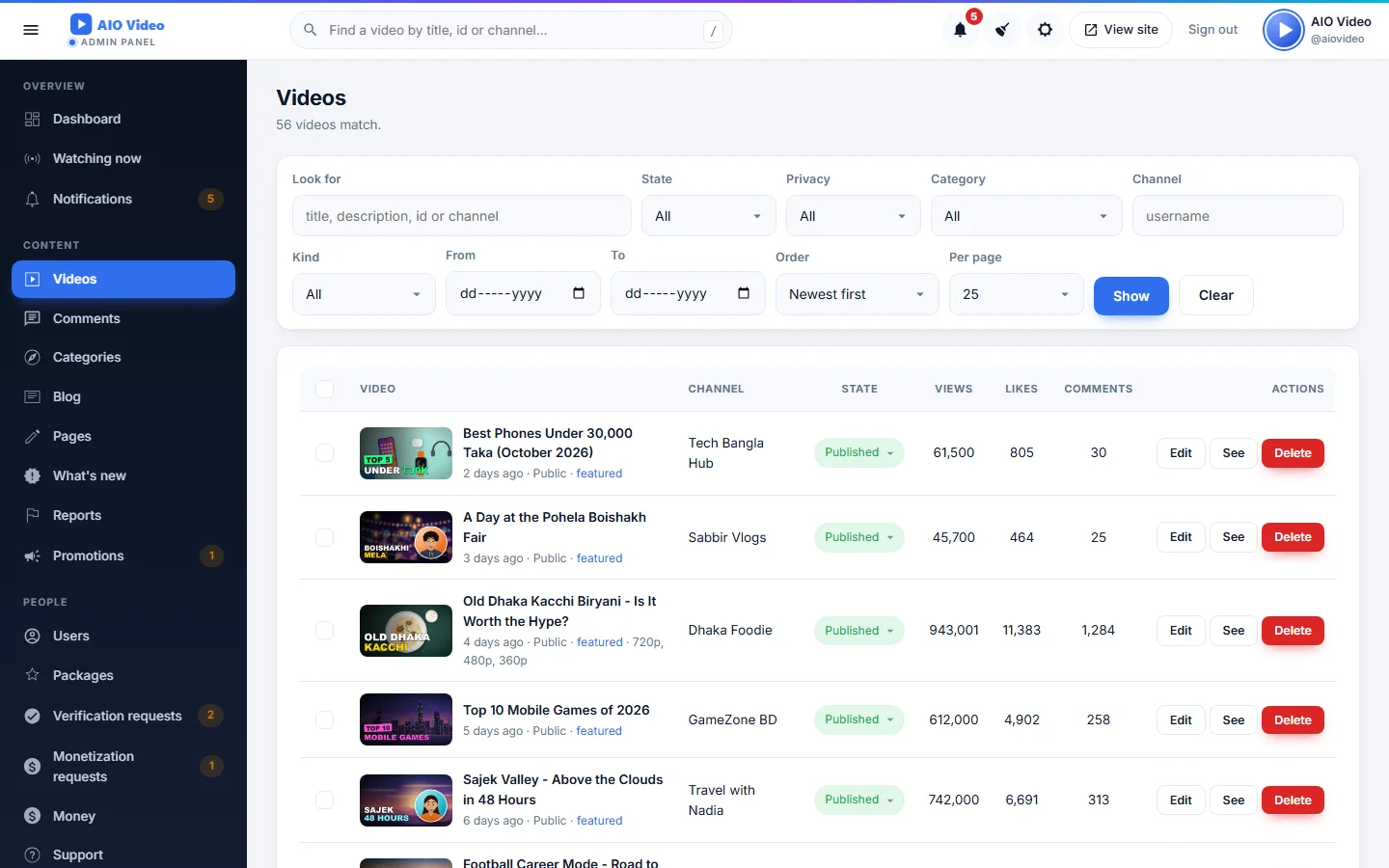
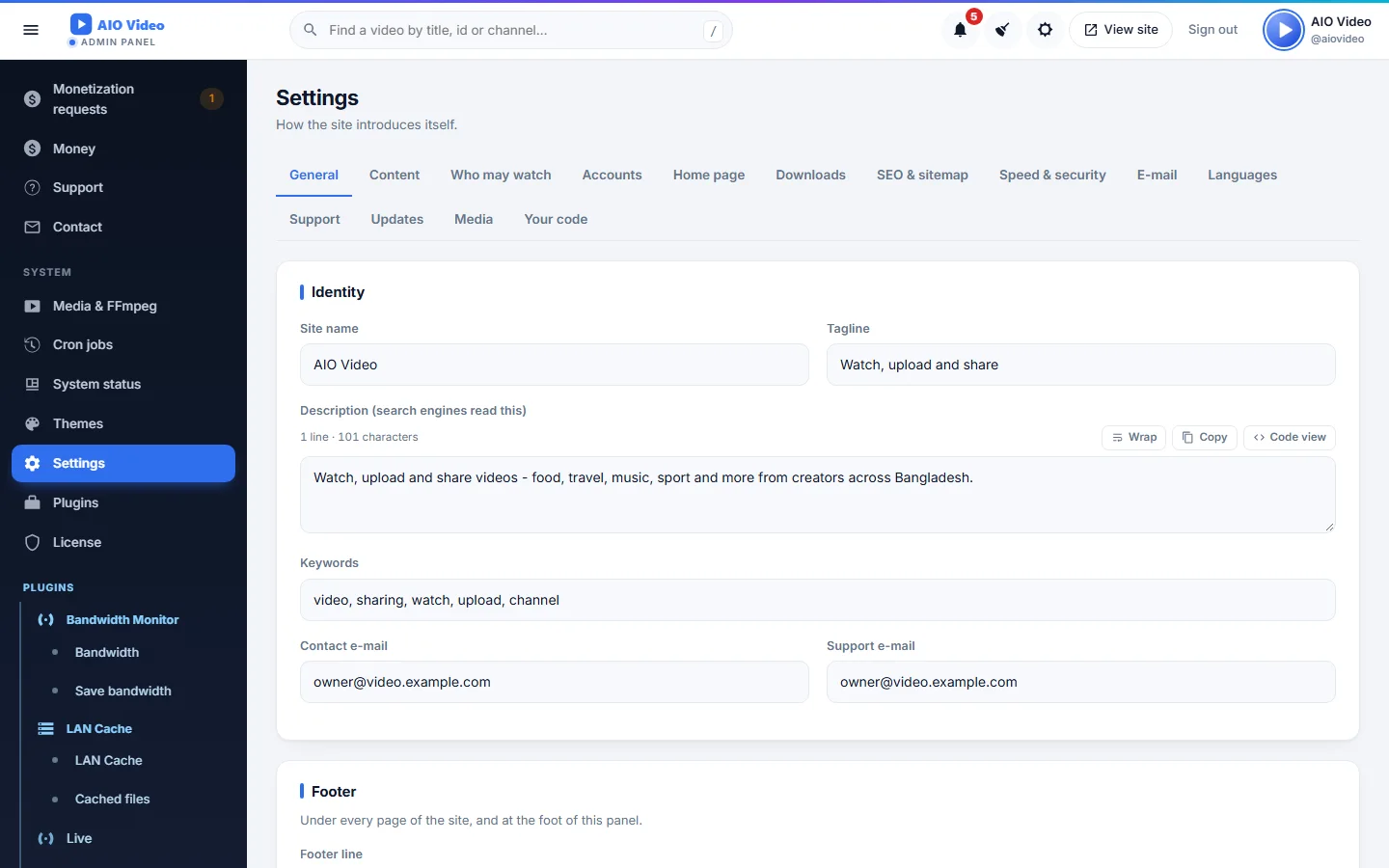
আপনার প্ল্যান বাছুন
প্রতিটি প্যাকেজ AIO Video-এর জন্য। একবারে অথবা সাবস্ক্রিপশনে পরিশোধ করুন — পেমেন্ট নিশ্চিত হওয়ামাত্র আপনার কী ইস্যু হয়।
Regular
AIO Video — Regular licence
- One website
- Every core feature
- 6 months of support
- Free updates for a year
Extended
AIO Video — Extended licence
- Up to three websites
- Every core feature
- 12 months of support
- Free updates for a year
- 10% off every plugin
Agency
AIO Video — Agency licence
- Up to ten websites
- Every core feature and every plugin
- Priority support
- Free updates for life
সব পণ্যের জন্য একটিই অ্যাকাউন্ট। বিকাশ, নগদ, ব্যাংক ট্রান্সফার বা কার্ডে পরিশোধ করুন — পেমেন্ট নিশ্চিত হলেই কী ও ইনভয়েস চলে আসে।
AIO Video-কে আরও শক্তিশালী করুন
টি প্লাগইন — যা দরকার শুধু সেটাই চালু করুন, প্রতিটির নিজস্ব কী।
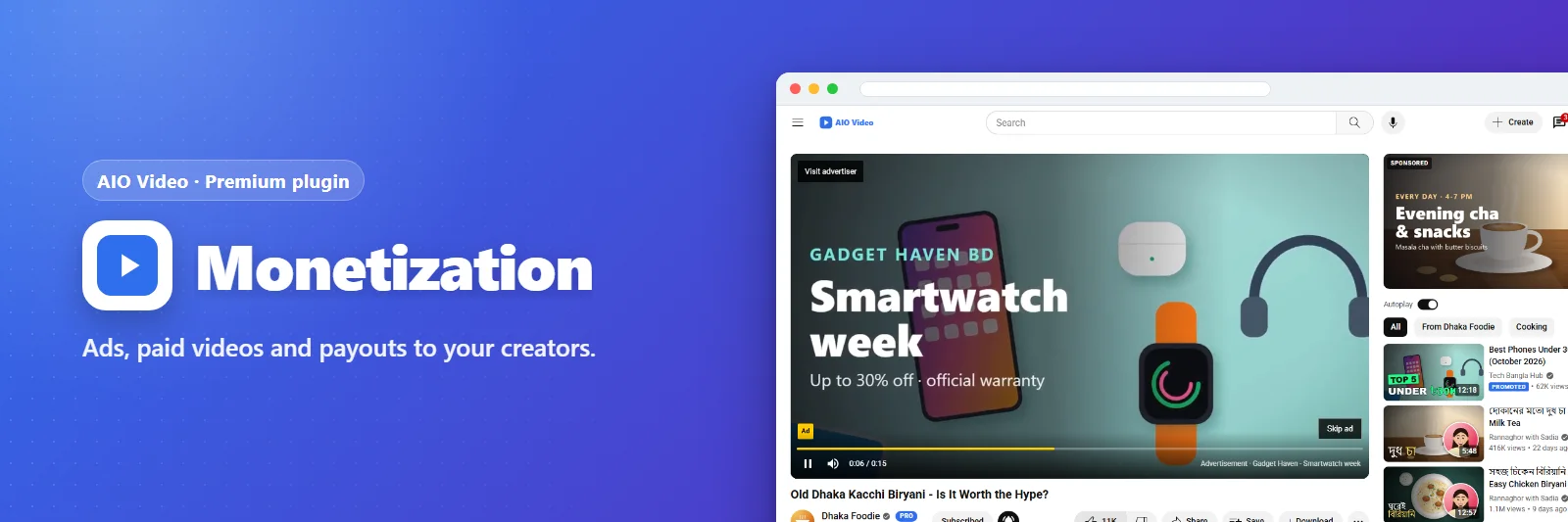
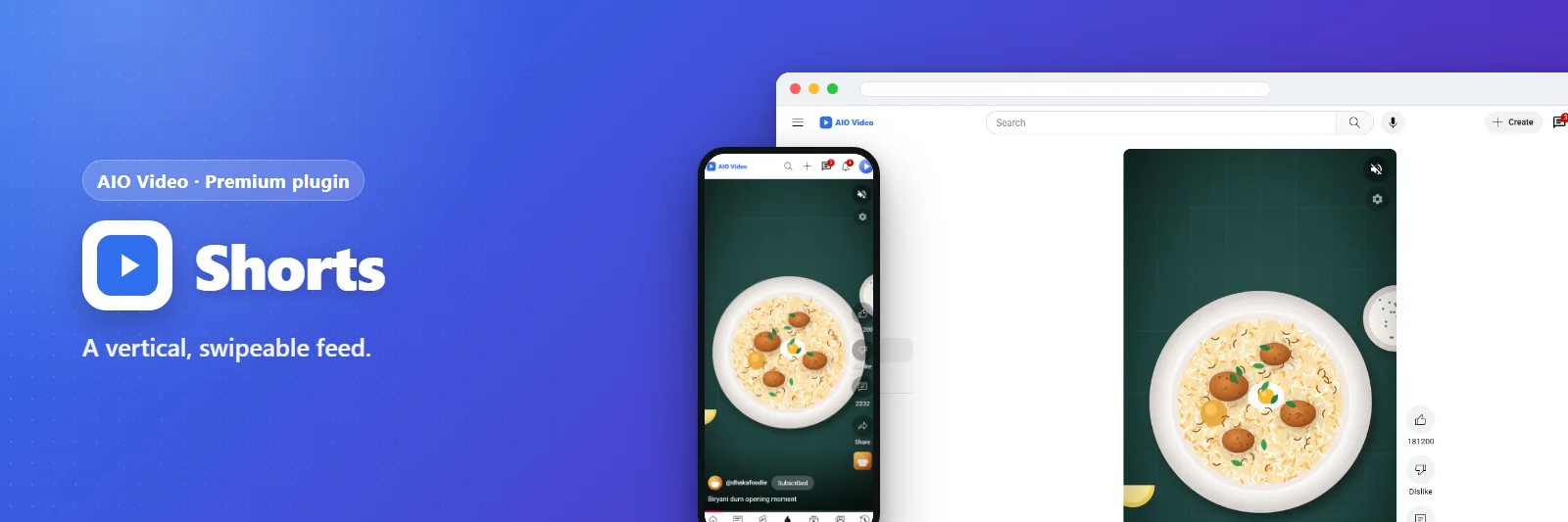
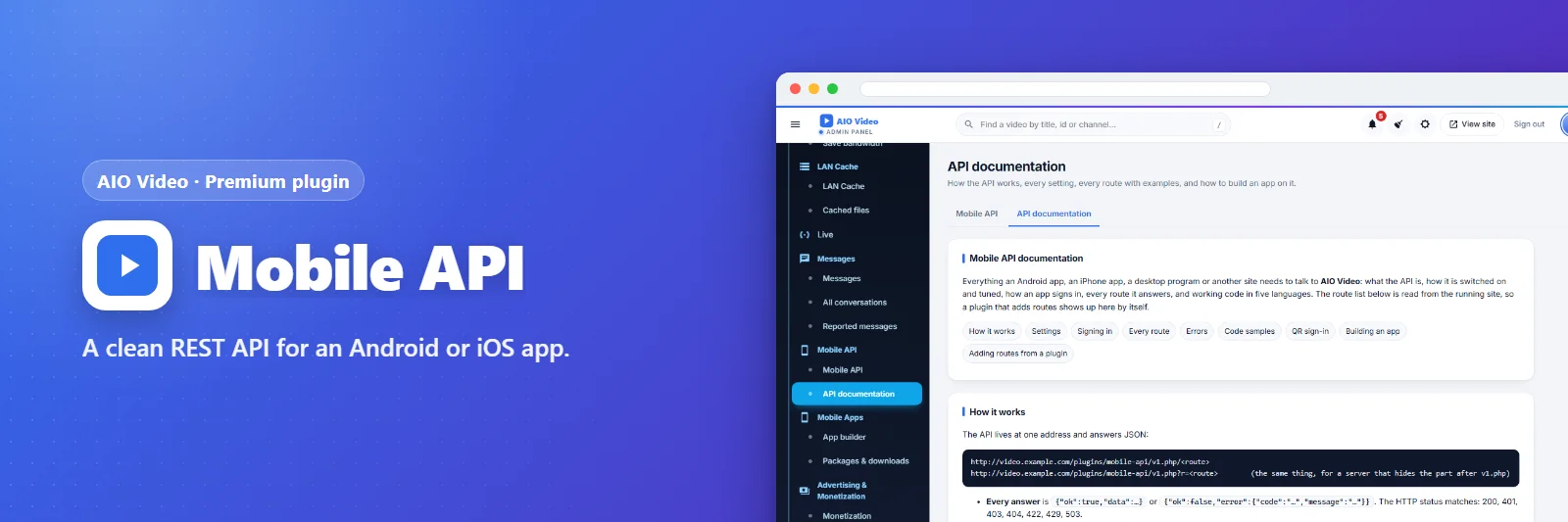
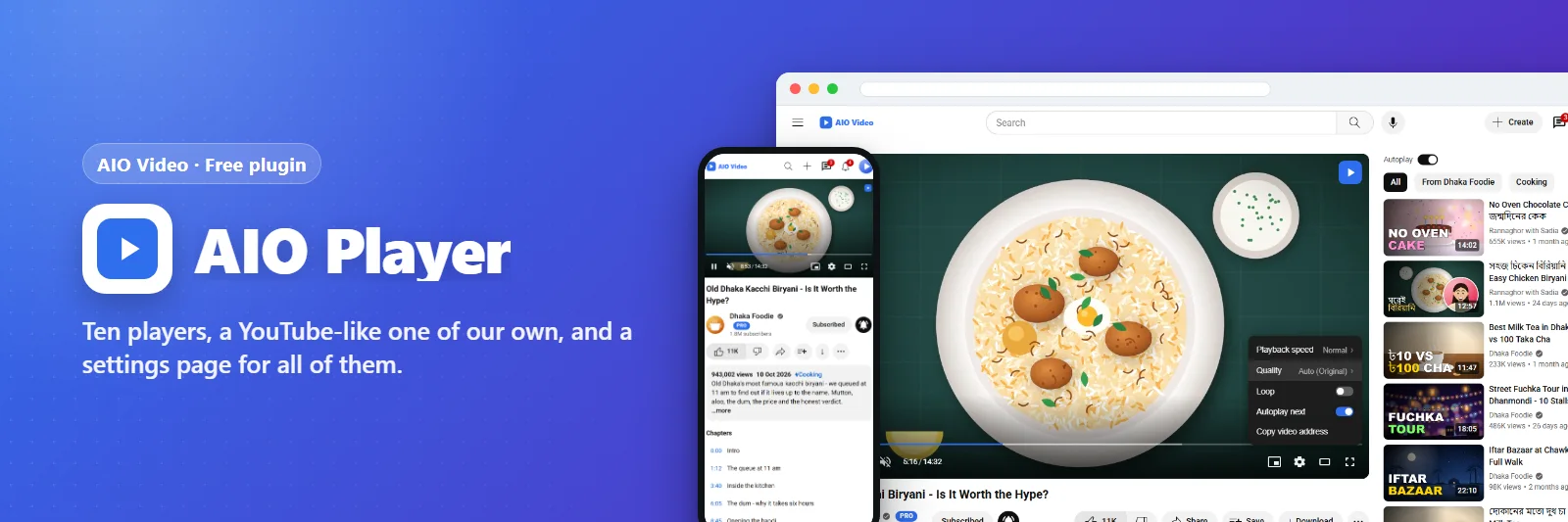
সাইটের প্লেয়ার এখন AOnePlayer (aoneplayer.com) - AOnePlayer কী থাকলে Cast, DASH, Vimeo, সাবটাইটেল, চ্যাপ্টারসহ আরও অনে…
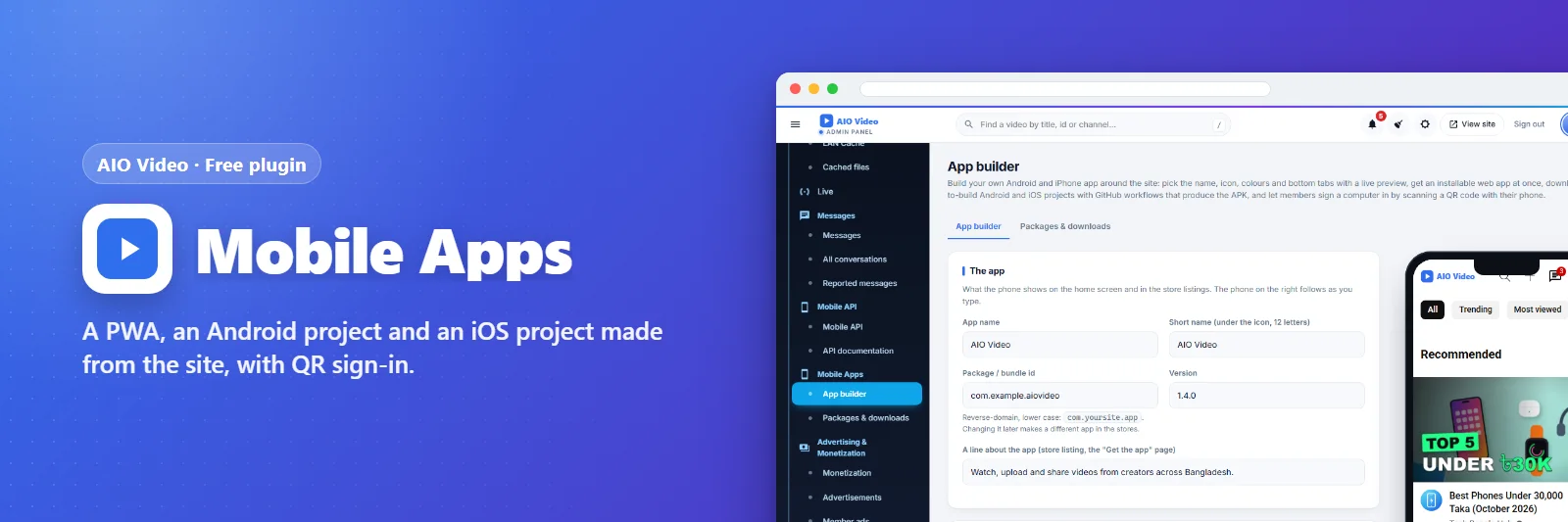
A PWA, Android and iOS projects, and a Smart TV app (Android TV, Samsung, LG) made from the site, with QR sign-in.
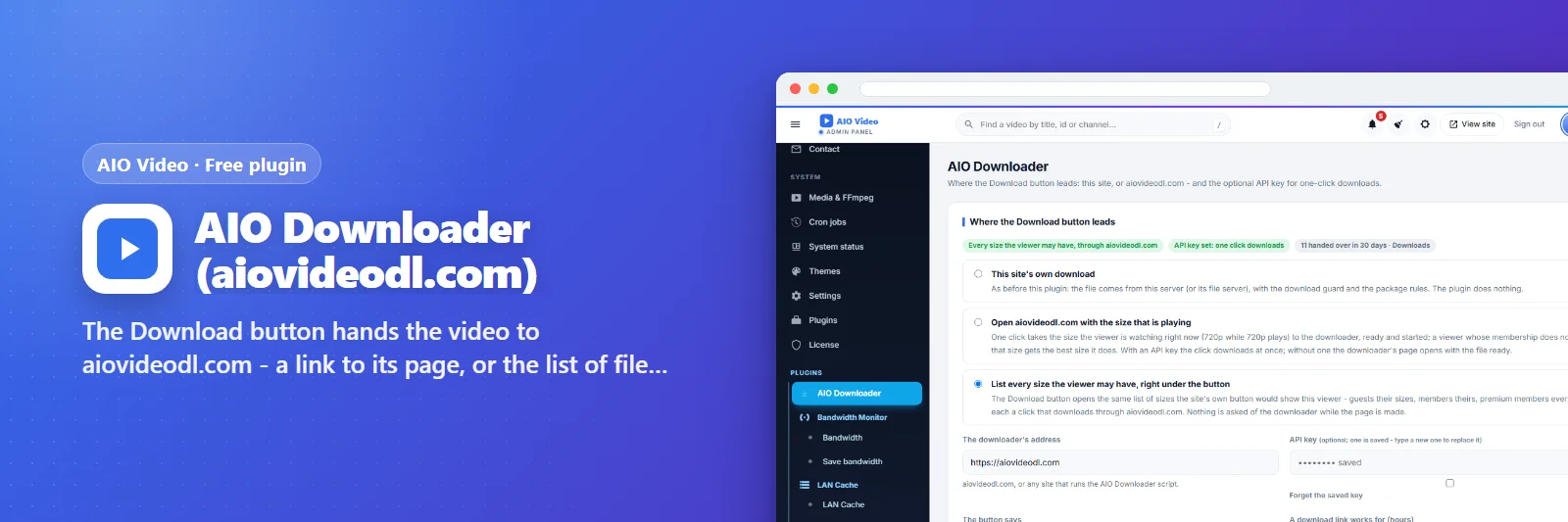
The Download button hands the video to aiovideodl.com - a link to its page, or the list of files from its API.
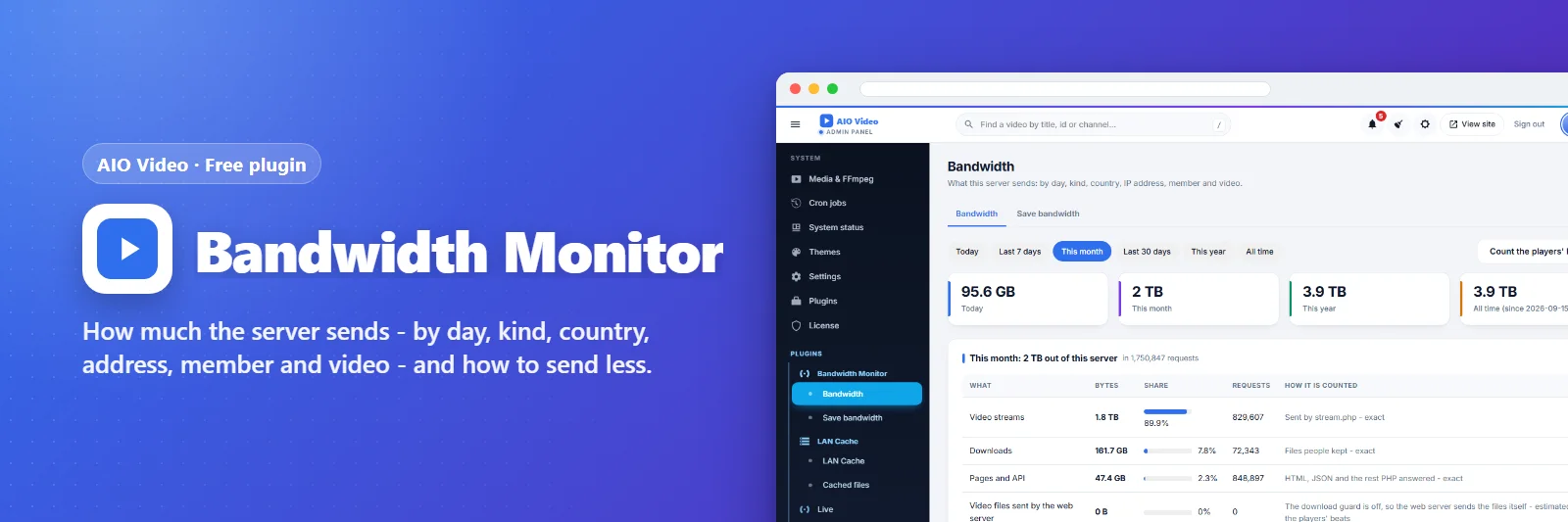
How much the server sends - by day, kind, country, address, member and video - and how to send less.
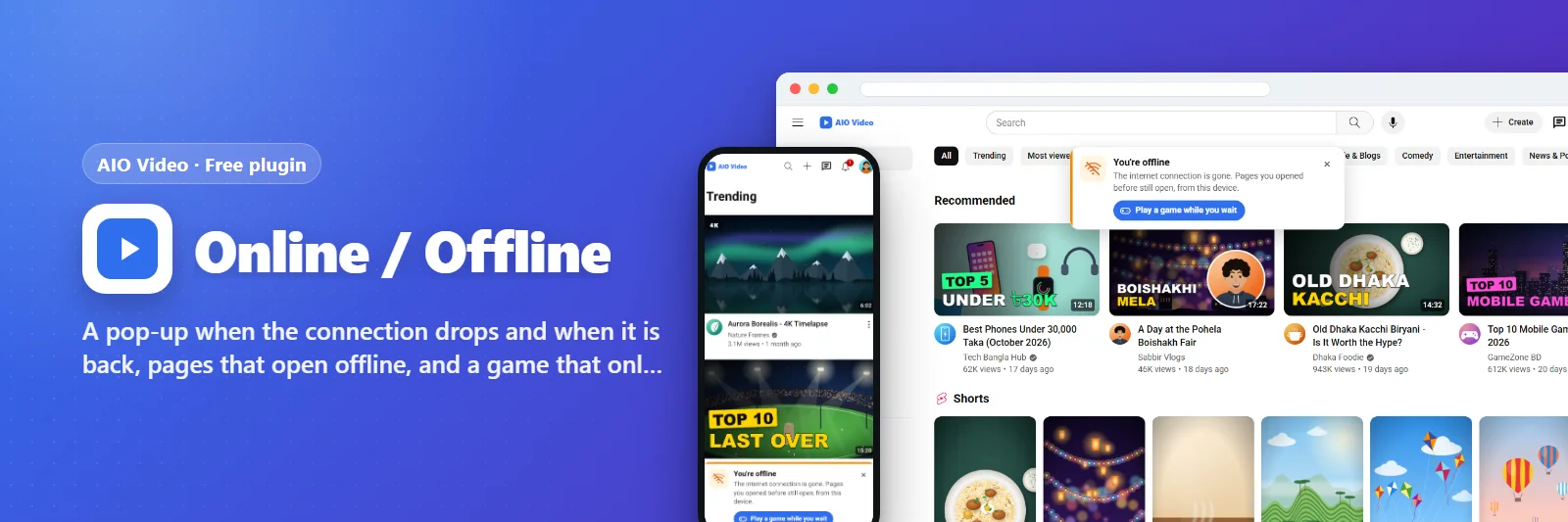
Online / Offline
নতুনA pop-up when the connection drops and when it is back, pages that open offline, and a game that only opens without a c…
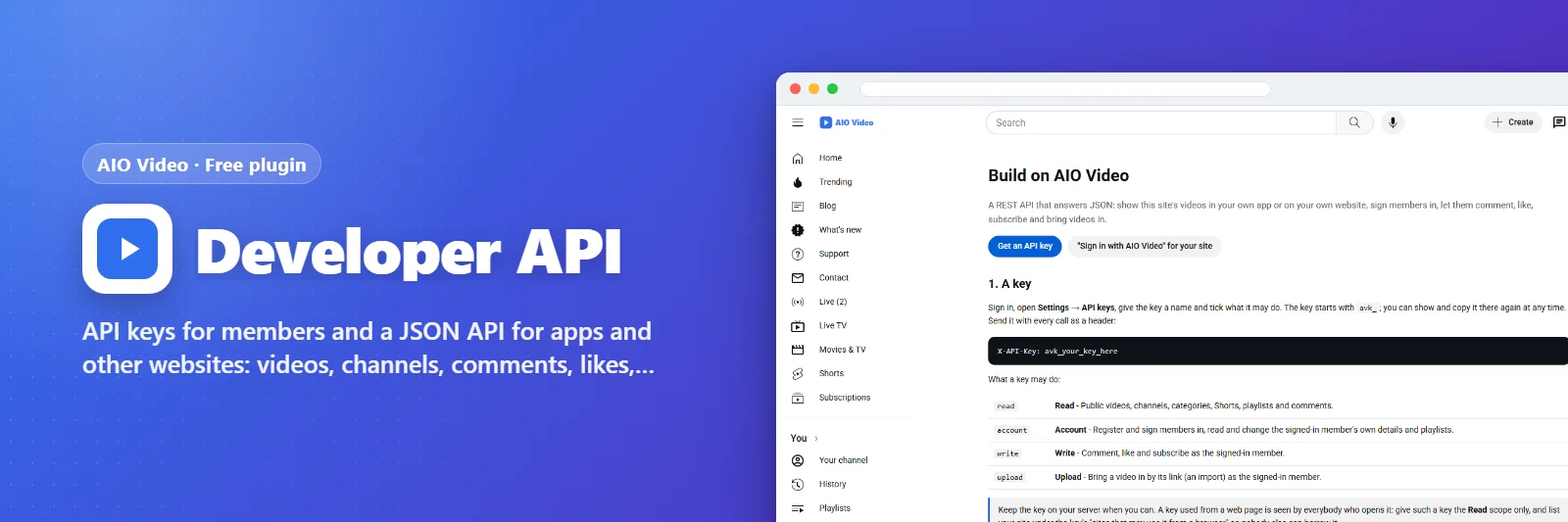
Developer API
নতুনAPI keys for members and a JSON API for apps and other websites: videos, channels, comments, likes, sign-in, imports.
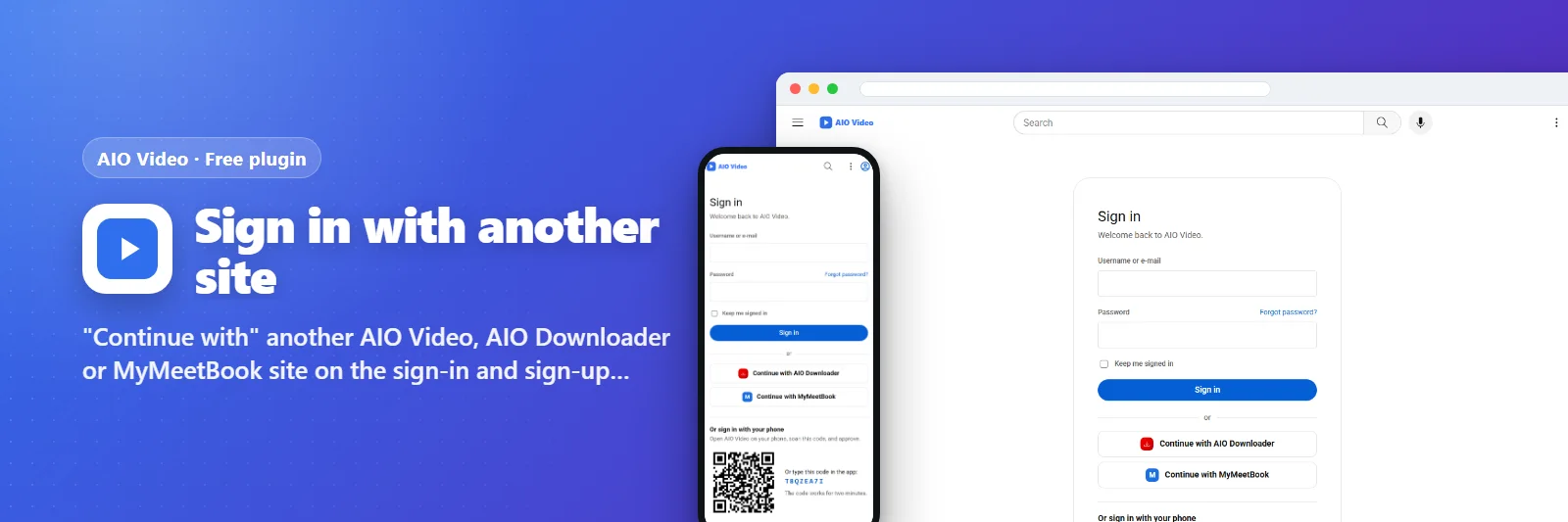
"Continue with" another AIO Video, AIO Downloader or MyMeetBook site on the sign-in and sign-up pages - just type its a…
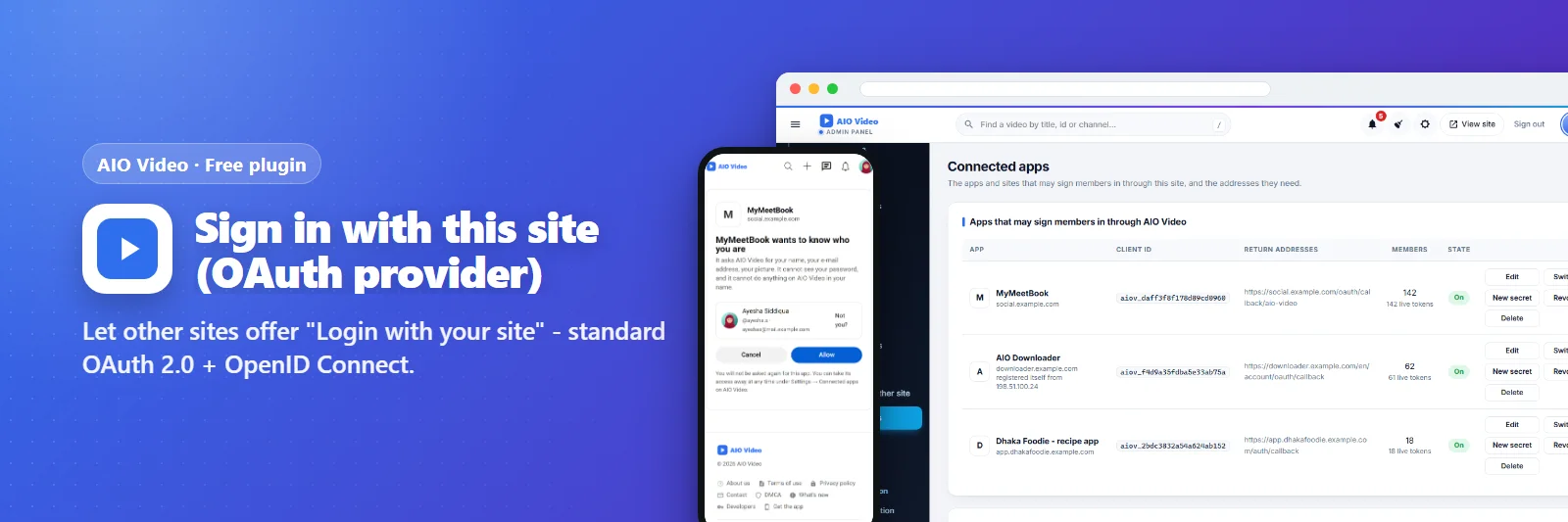
Other sites and apps offer "Login with" your site: OAuth 2.0 with PKCE and OpenID Connect, and sites that add themselve…
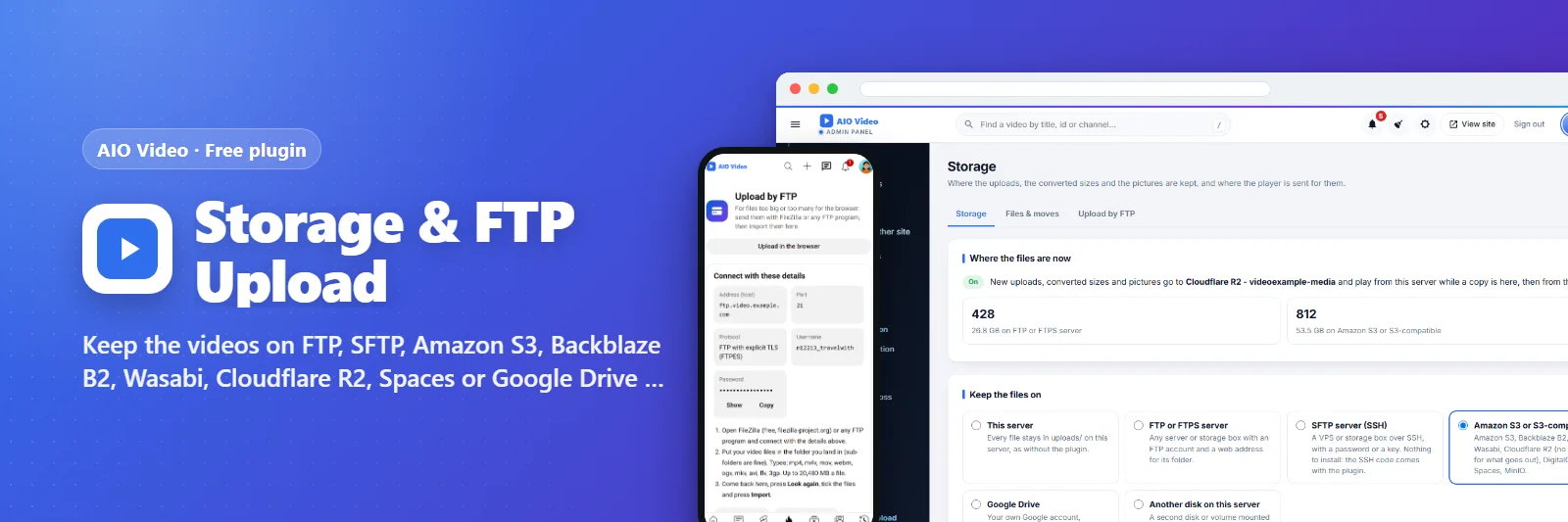
Keep the videos on FTP, SFTP, Amazon S3, Backblaze B2, Wasabi, Cloudflare R2, Spaces or Google Drive - and let members …
ম্যানুয়াল
অধ্যায় ধরে ধরে: ইনস্টল, আপডেট এবং এর মাঝের সবকিছু।
ভিডিও ও সাইট
নতুন কী
কেনার আগে
আমার কি অ্যাকাউন্ট লাগবে?
হ্যাঁ — এখানে একটি ফ্রি অ্যাকাউন্টেই আপনার কেনা সব পণ্যের লাইসেন্স, ইনভয়েস ও সাপোর্ট টিকিট থাকে।
লাইসেন্স কী কীভাবে পাব?
একটি প্যাকেজ কিনে বিকাশ, নগদ, ব্যাংক ট্রান্সফার বা কার্ডে পরিশোধ করুন। পেমেন্ট নিশ্চিত হলেই কী আপনাকে ই-মেইলে পাঠানো হয় এবং আপনার অ্যাকাউন্টে দেখা যায়।
পরে কি প্লাগইন যোগ করতে পারব?
হ্যাঁ। প্রতিটি প্লাগইনের নিজস্ব কী আছে এবং আপনার চালু ইনস্টলেশনের ভেতরেই চালু হয় — নতুন করে ইনস্টল করতে হয় না।
নতুন ভার্সন এলে কী হবে?
আপনার ইনস্টলেশন নিজেই আপডেটের কথা জানায় এবং আগে পুরো ব্যাকআপ নেয়, তাই আপডেট মাত্র এক ক্লিকে।
রিভিউ ও মন্তব্য
রেটিং দিন, প্রশ্ন করুন বা কীভাবে ব্যবহার করছেন তা অন্যদের জানান। এখানে সবাই সাইন-ইন করা LCPanel সদস্য - যাচাইকৃত ক্রেতাদের চিহ্নিত করা হয় এবং তাঁরা আগে থাকেন।
মন্তব্যে স্টার যোগ করলে সেটি রিভিউ হয়ে যায়।