- AddedFirst release of the plugin: Offline payment: the invoice shows your bank details; the client can report the transfer; you record the payment when it arrives.
- AddedBank details on the invoice
- AddedClient transfer report
- AddedAdmin notification
- AddedRecord the payment when it arrives
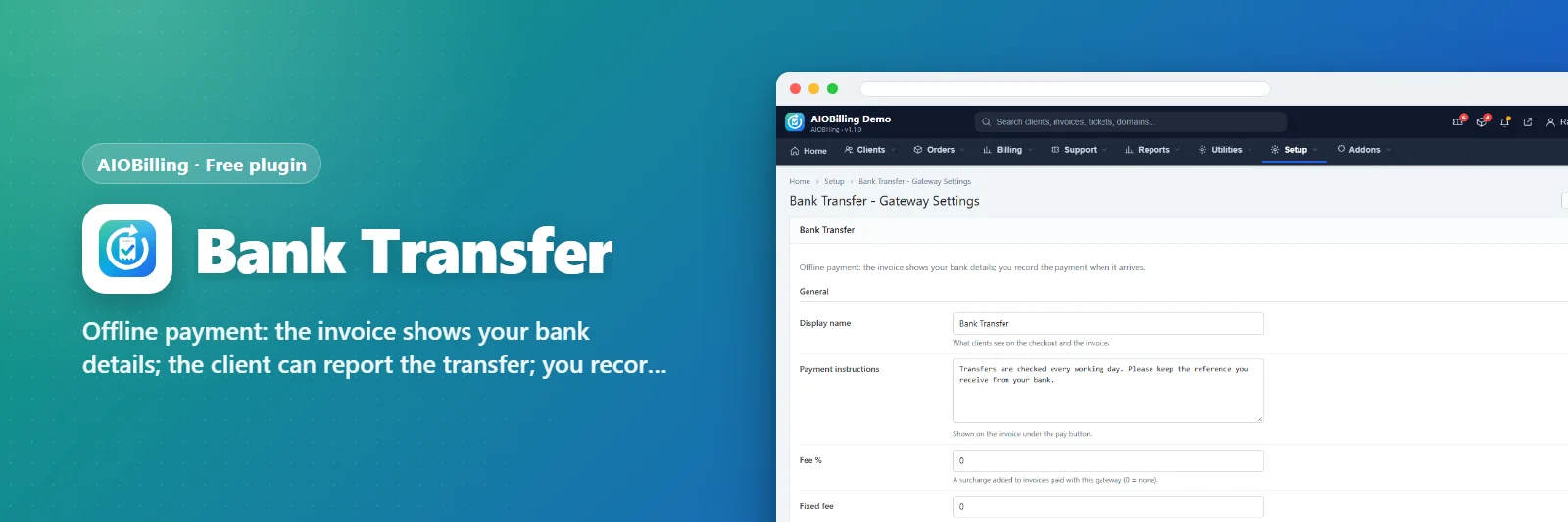
Bank Transfer
Offline payment: the invoice shows your bank details; the client can report the transfer; you record the payment when it arrives.
AIOBP-BT-XXXX
Be the first to review it
About this plugin
Bank Transfer
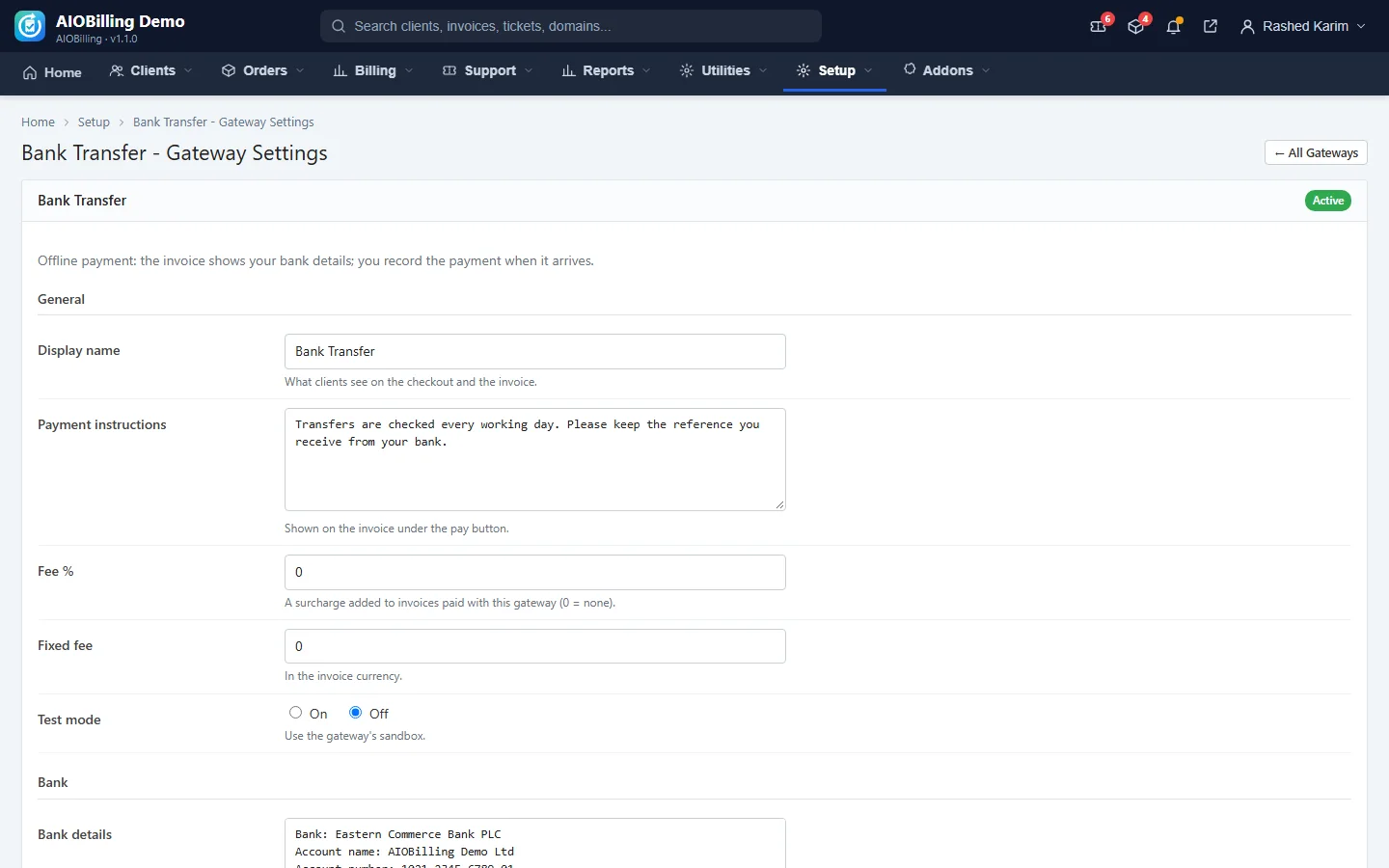
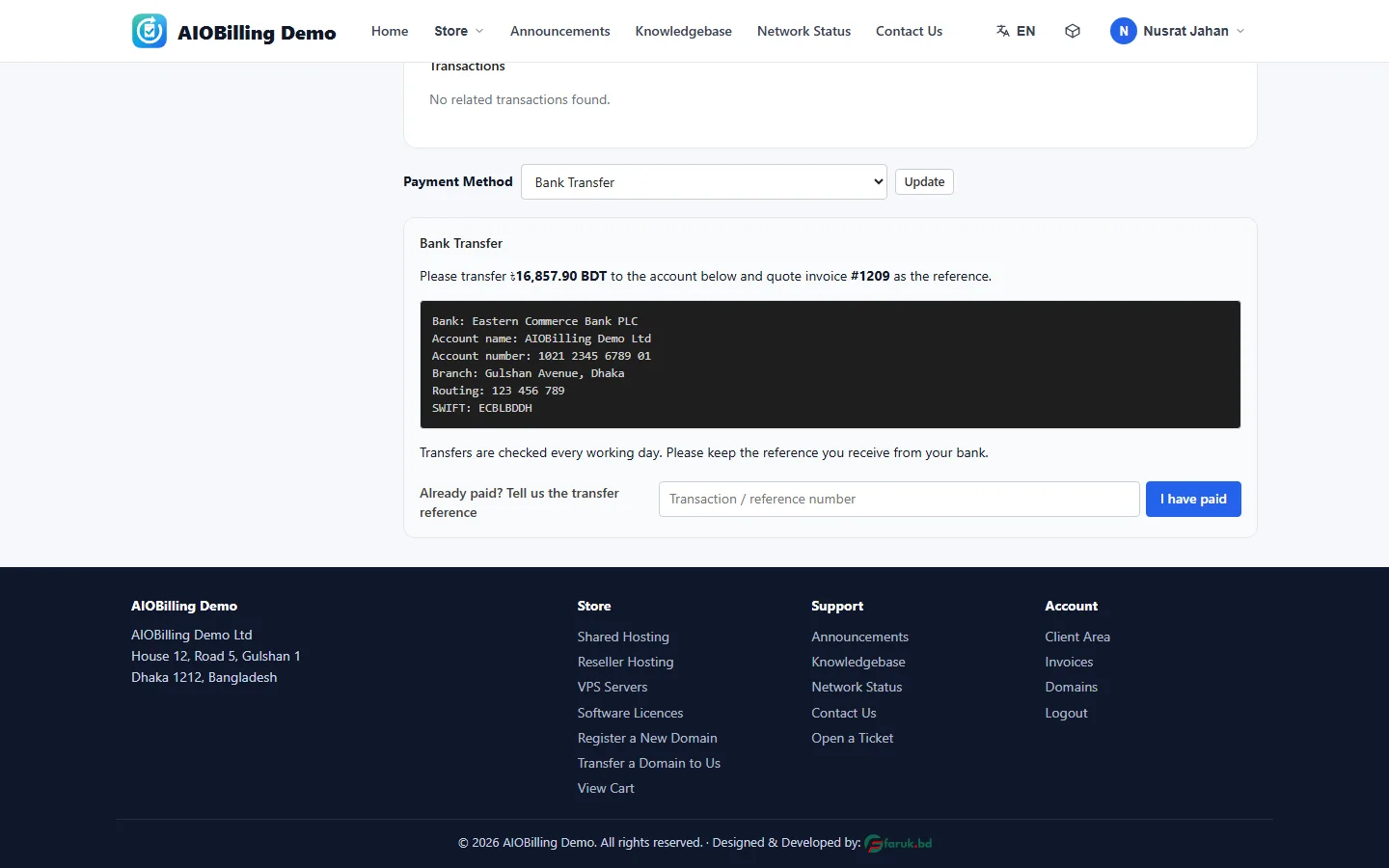
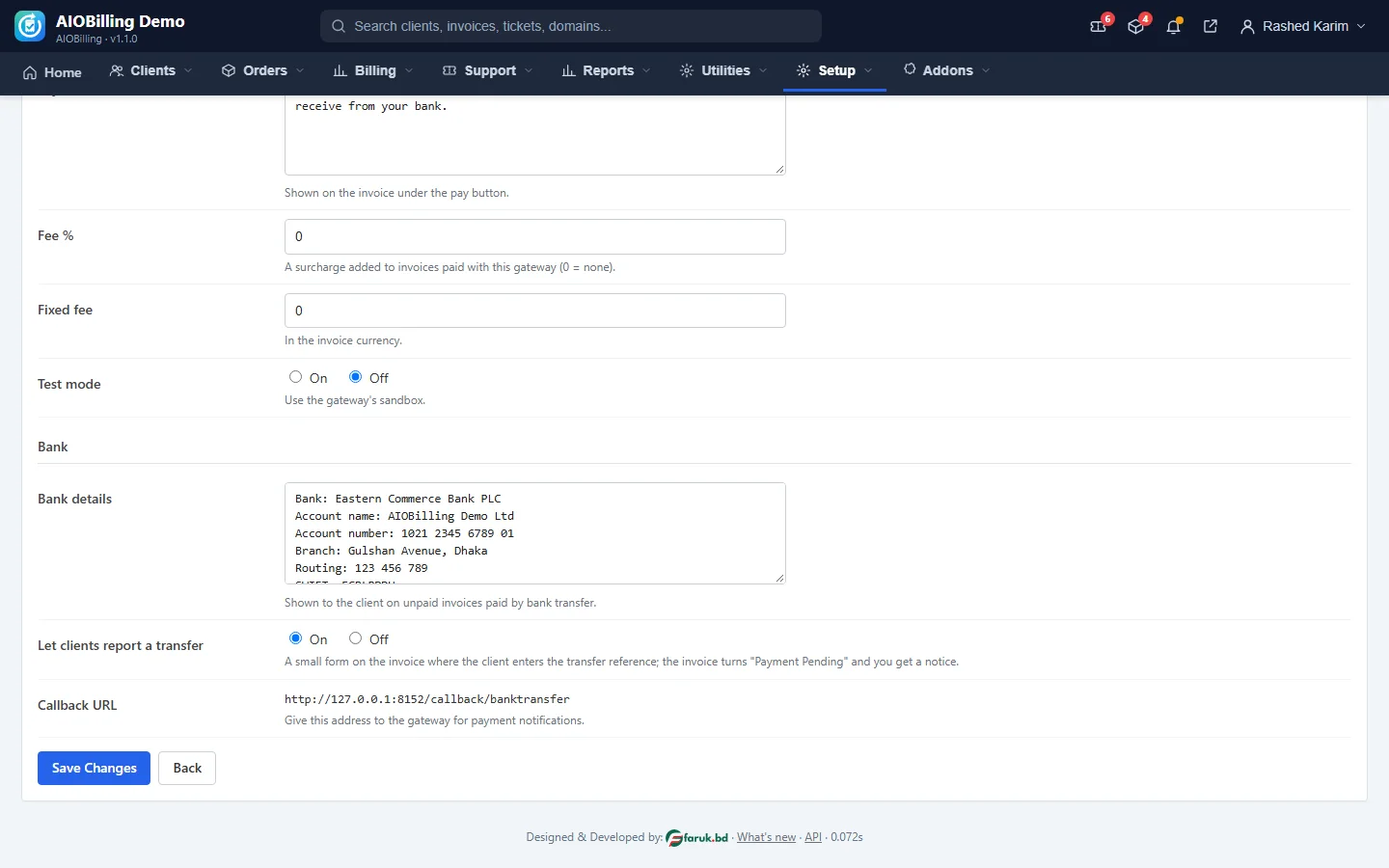
Shows your bank account details on unpaid invoices. The client may report the transfer reference, which marks the invoice Payment Pending and notifies you; you record the payment from the invoice page.
What it does
- Bank details on the invoice
- Client transfer report
- Admin notification
- Record the payment when it arrives
Screenshots
See it before you buy
screenshots - click a picture to see it full size.
Changelog
What's new
Plugins
More for AIOBilling
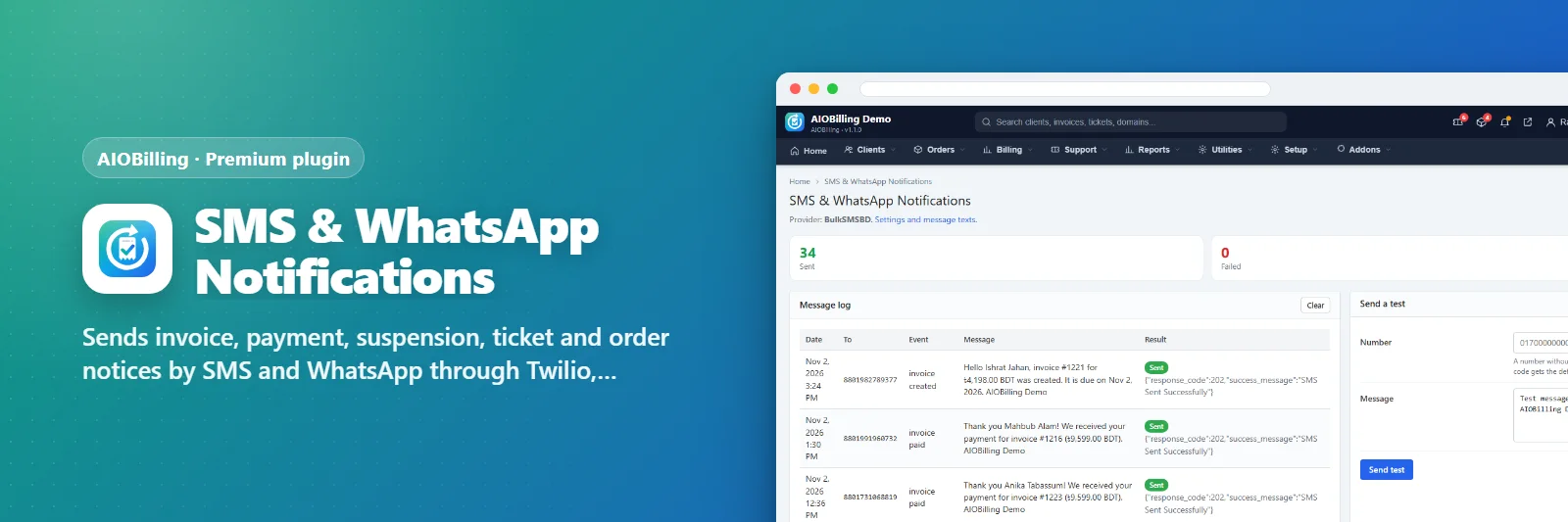
Sends invoice, payment, suspension, ticket and order notices by SMS and WhatsApp through Twilio, BulkSMSBD, GREEN-API o…
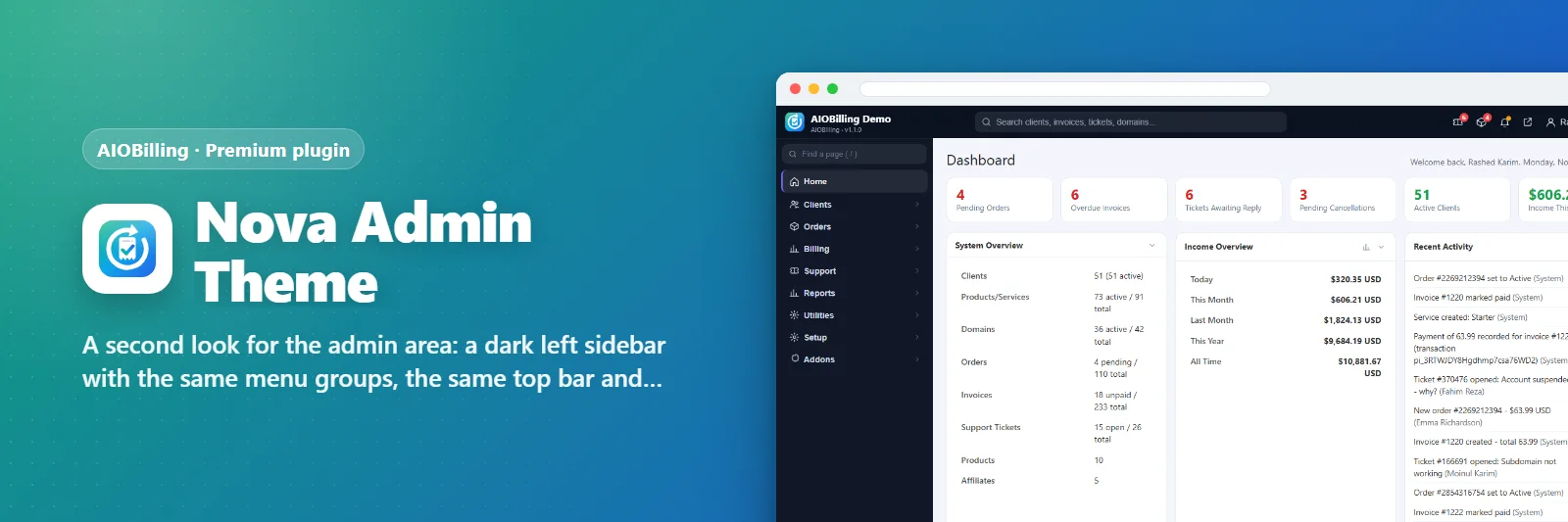
A second look for the admin area: a dark left sidebar with the same menu groups, the same top bar and work area.

A client area theme with a light grey top bar, rounded cards, an icon rail for the account menu and a big hero with a g…
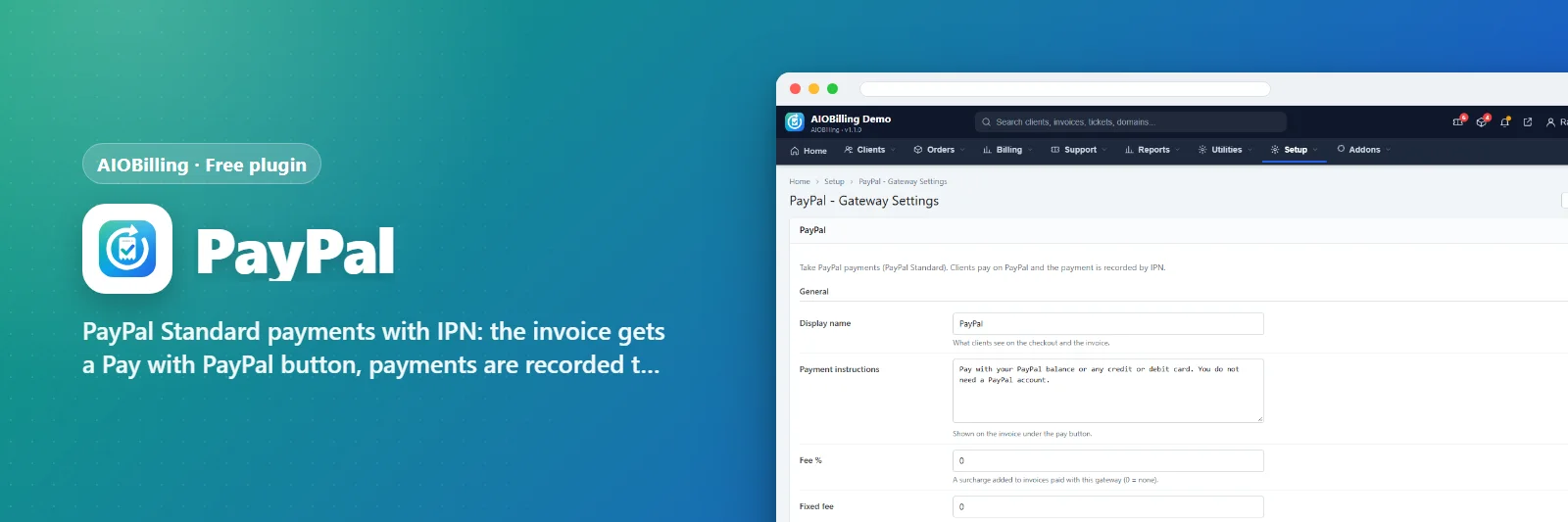
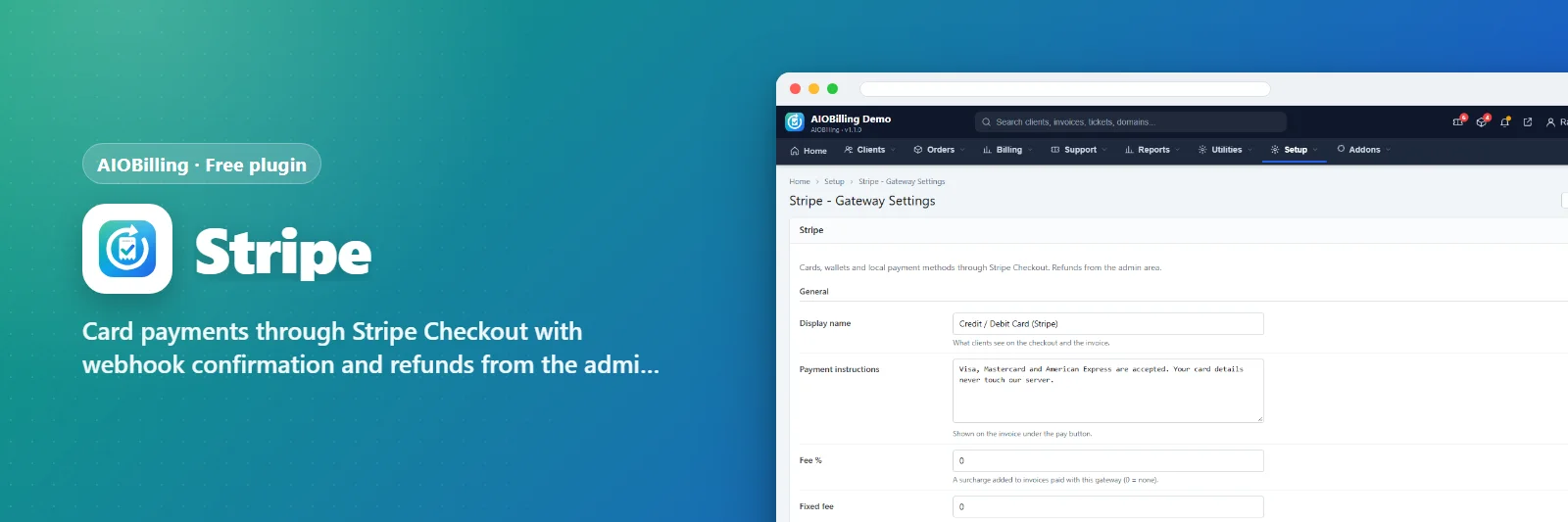
0 plugins Buy them together
Community
Reviews & comments
Rate it, ask a question or tell others how you use it. Everyone here is a signed-in LCPanel member - verified buyers are marked and come first.
–
★★★★★★★★★★No reviews yet
Write a review
Add stars to your comment and it becomes a review.
Loading reviews and comments…